Quick Answer
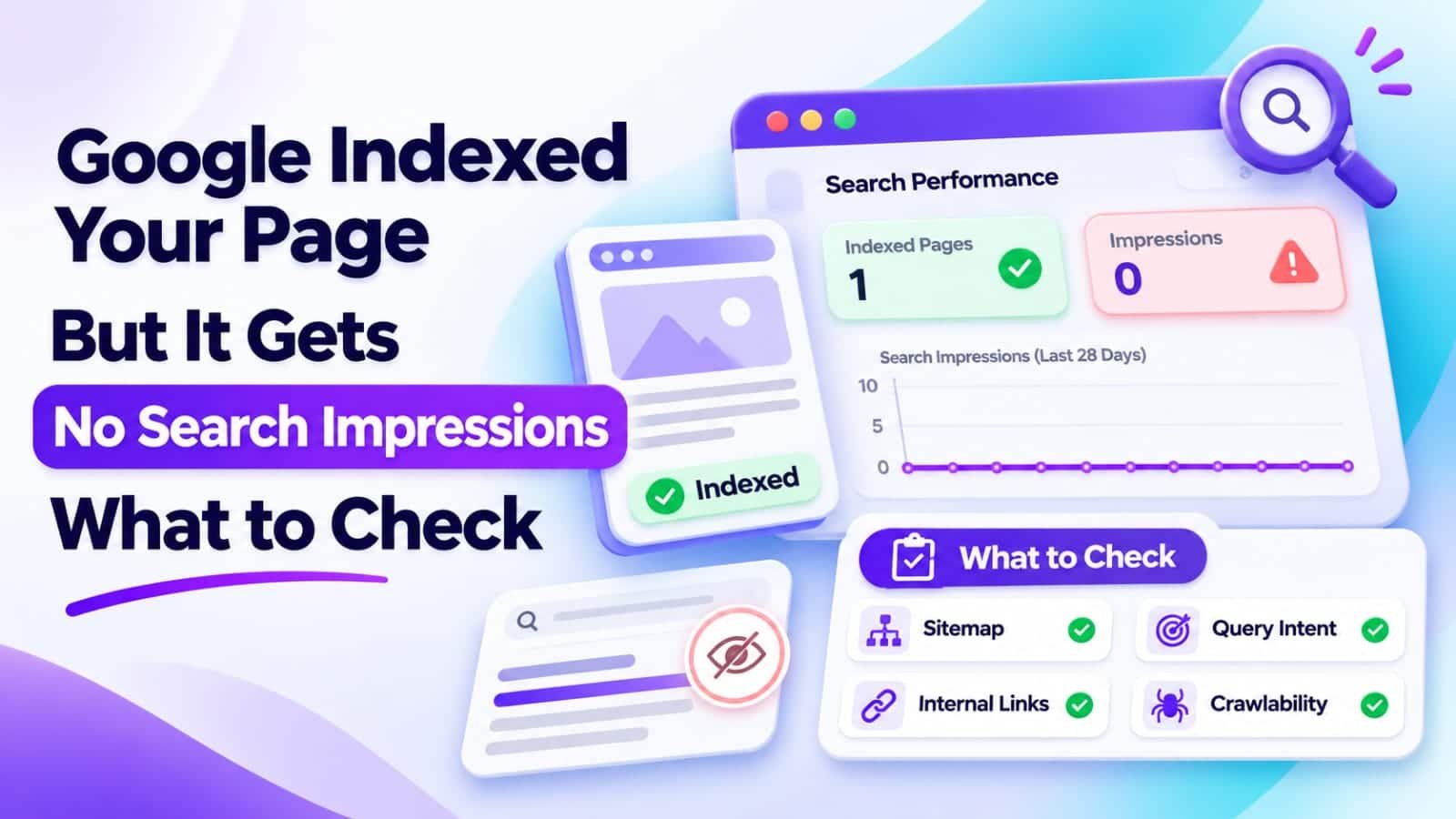
If Google says your page is indexed but Search Console shows no impressions, first confirm the correct URL, property, date range, and Search type. Then inspect Google’s selected canonical and the content it can access. If reporting is correct, investigate search demand, topic relevance, content quality, and internal linking before requesting indexing again.
In This Guide
- Quick Verdict
- What Indexed With Zero Impressions Means
- Verify the Search Console Report
- Eight Checks for an Indexed Page With No Impressions
- Choose the Right Fix
- Real Case Study
- A Two-Week Action Plan
- Common Mistakes to Avoid
- Frequently Asked Questions
- Final Verdict
- Recommended Next Reads
Quick Verdict
Indexed does not mean ranked. Google’s index stores pages that may be eligible for search results; its ranking systems still decide which pages are relevant enough to show for each query. Zero reported impressions is therefore not proof of a penalty or an indexing failure.
| What you discover | Likely explanation | First action |
|---|---|---|
| Wrong property or URL filter | Reporting mismatch | Correct the report |
| Google selected another canonical | Data may belong to another URL | Inspect canonical signals |
| Indexed page targets a rarely searched topic | Limited search demand | Check actual search questions |
| Useful topic but generic content | Weak relevance or differentiation | Improve the answer |
| Page has no contextual internal links | Weak discovery and site context | Add useful links from related pages |
I would use: URL Inspection, the Search Console Performance report, your WordPress editor, and a simple spreadsheet.
I would not use: paid indexing services, mass title changes, or repeated indexing requests for an unchanged URL.
Start with evidence. A technical fix helps when something is technically wrong; a content improvement helps when Google can access the page but has little reason to surface it.
What Indexed With Zero Impressions Means
Google Search has distinct stages: crawling, indexing, and serving results. A page can pass the indexing stage without appearing in any recorded searches during your selected reporting period.
An impression generally represents a link appearing in a Google Search result according to that result type’s counting rules.
Possible explanations are genuine zero visibility, attribution to another canonical, or filtered reporting data.
Unlike a page receiving impressions but no clicks, this is not primarily a meta-description problem. For that separate scenario, see Google Search Console Shows Impressions but No Clicks: What to Fix First.
Verify the Search Console Report
Before changing the page, open Performance > Search results in Google Search Console.
- Select the appropriate property.
- Choose Web as the Search type if you are investigating standard web search visibility.
- Use a three-month range.
- Remove existing query, page, country, and device filters.
- Open Pages, then apply a filter for the exact URL you want to investigate.
If the URL never appears as a row, that does not automatically mean it is deindexed. Check the URL through URL Inspection, which answers a different question.
Search Console omits some individual queries for privacy. An empty Queries table does not automatically prove zero page-level impressions.
Eight Checks for an Indexed Page With No Impressions
1. Confirm the Exact URL and Google-Selected Canonical
Paste the full URL into URL Inspection, including its protocol and path.
Check the indexing status and the Google-selected canonical. The inspected URL might be an alternate version of another page, even when you expected it to be the main one.
If Google favors a clean canonical over a parameter URL, inspect the canonical’s performance.
Only change canonical settings after confirming which page ought to be primary.
2. Check Whether the Page Is Still Indexable
The indexed status reflects information Google has collected; it is not a permanent guarantee.
Use Test live URL when recent changes or access problems are suspected. Review the response, availability, robots instructions, and any noindex signals.
A previously indexed page may now redirect or return an error.
For a public WordPress article, verify that it remains accessible and is not inadvertently excluded through WordPress or Rank Math settings.
3. Make Sure Important Pages Are Easy to Reach
Can visitors reach the article from related posts?
An XML sitemap supports URL discovery, but it is not a substitute for meaningful internal links.
Add contextual links from existing articles that genuinely relate to the topic. Use descriptive anchor text, not repeated exact-match keywords.
If your library grows, Best AI Tools Tested for Internal Linking explains different tools and their trade-offs.
4. Investigate Whether People Search for the Topic
Some indexed pages answer questions that have extremely little search demand.
Write down the primary question the page answers and several natural variations. Look at Google autocomplete, related questions, and relevant Search Console queries from other pages.
Consider whether the article addresses a real problem for your intended audience.
A niche plugin guide may still be useful despite low search demand.
Instead, decide whether the page serves a useful support role or needs a clearer topic.
5. Compare the Page With Search Intent
Search for the main query manually and inspect what Google currently presents.
Are the prominent results tutorials, product pages, comparison tables, or short definitions?
Match tutorials, comparisons, and fixes to what the query demands.
Start with a direct answer and practical steps.
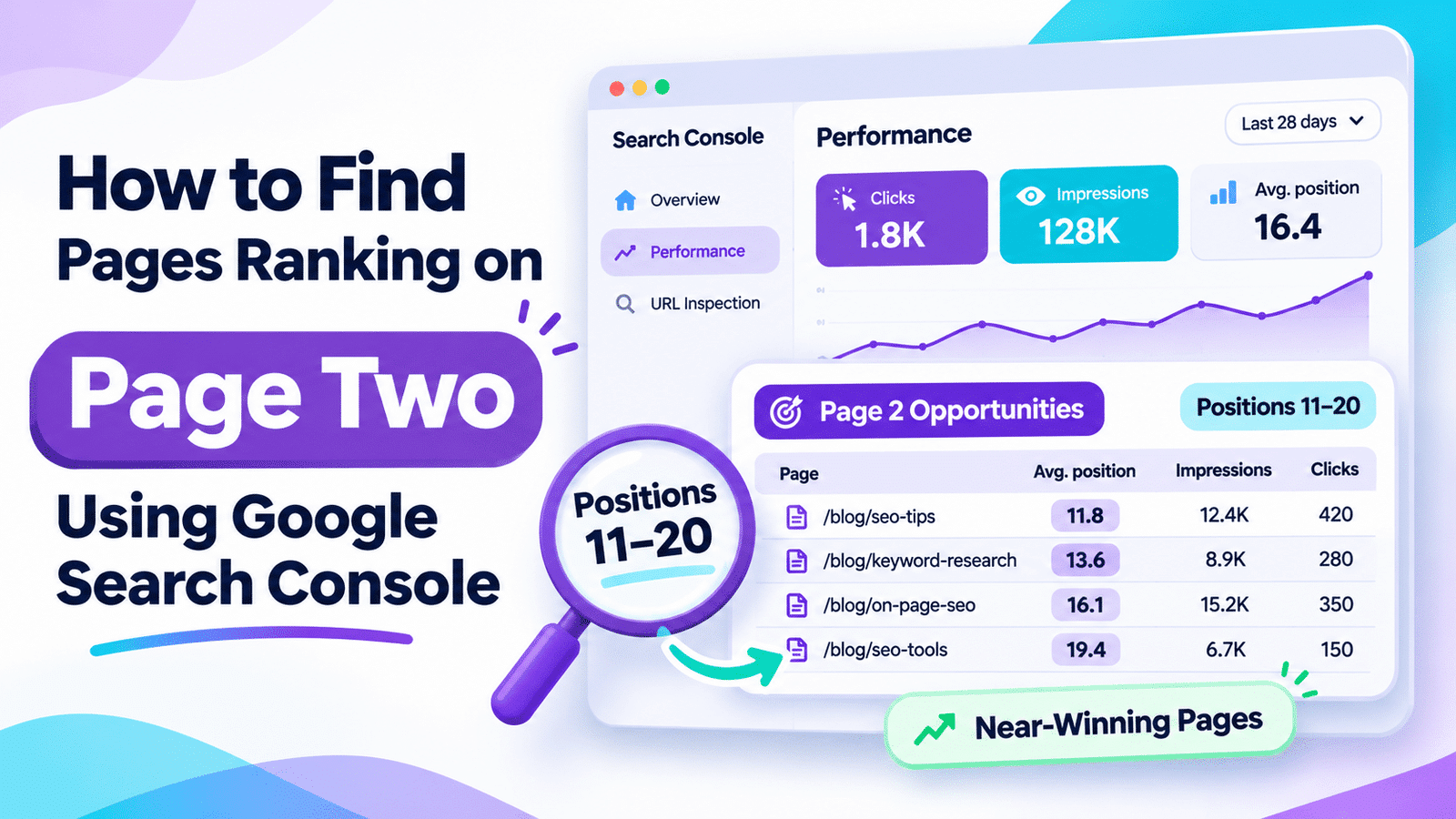
For related pages that already average positions 11–20, use How to Find Pages Ranking on Page Two Using Google Search Console to prioritize ranking improvements instead.
6. Improve Originality and Resolve Overlap
Two articles covering nearly identical questions can make your editorial strategy confusing.
Compare the indexed page with other posts on your site. Identify its distinct audience, problem, and solution.
Replace generic passages with genuine examples, screenshots, tested workflows, or clearly labeled sample data.
Do not merge or redirect overlapping URLs without investigating their value.
Our How to Audit SEO Content with AI guide explains how to evaluate content before making irreversible decisions.
7. Inspect the Content Google Can Actually Read
Check the rendered page in URL Inspection when available. Make sure the primary explanation appears as accessible text rather than only inside an image, a script-dependent element, or an inaccessible widget.
Use real headings, descriptive links, and text alternatives for meaningful images.
Correct missing main content before chasing performance scores.
8. Look for Broader Site Issues When the Pattern Is Widespread
An isolated page with no impressions rarely justifies assuming a sitewide penalty. If many pages suddenly lose visibility, broaden the investigation.
Check Search Console’s Manual actions and Security issues reports. Review any recent migration, domain change, widespread noindex setting, or server outage.
Choose the Right Fix
Use the finding, not a generic SEO checklist, to choose the next action.
| Confirmed issue | Sensible response |
|---|---|
| Incorrect date or property | Correct the report; do not edit content |
| Canonical points to the wrong page | Review duplicates, internal links, and canonical signals |
| Accidental noindex or broken access | Fix the technical restriction |
| Little relevant search demand | Clarify the audience and topic |
| Useful query, weak answer | Improve the article’s specific information |
| Isolated page without internal links | Add relevant contextual links |
Do not start with a title rewrite: zero impressions needs a broader investigation than weak CTR.
Real Case Study
SearchPilot published a controlled SEO experiment titled “What’s Better for SEO: Unique or Templated Content?” on May 19, 2022.
The experiment replaced repeated template copy on listing pages with more specific, unique content. SearchPilot reported an almost 14% uplift in organic traffic, statistically significant at the 90% level.
The test did not specifically involve WordPress posts with zero impressions, and it measured organic traffic rather than an isolated impressions metric.
Its practical lesson is narrower: when pages already exist in search, making their content more specific to their purpose can improve performance in some circumstances.
The experiment supports reviewing content differentiation; it does not guarantee impressions.
Source: SearchPilot: What’s Better for SEO: Unique or Templated Content?
A Two-Week Action Plan
Days 1–2: Confirm the correct property, Search type, date range, URL, and canonical. Save the baseline.
Days 3–4: Inspect the live page, main rendered content, sitemap inclusion, and internal links.
Days 5–7: Research realistic search questions and examine competing results. Decide whether to update the page or leave it as useful supporting content.
Days 8–10: Make one substantive improvement, such as adding missing troubleshooting steps or strengthening a related internal link.
Days 11–14: Verify that the changes are live. Record the update date and monitor Search Console.
Two weeks is a review schedule, not a deadline for Google. Meaningful measurement may take longer.
Common Mistakes to Avoid
- Requesting indexing repeatedly: An indexed page does not need another request merely because impressions are zero.
- Changing the slug for a keyword: Unnecessary URL changes can introduce redirect and canonical complications.
- Treating
site:searches as a complete audit: Use URL Inspection for the specific indexing question. - Assuming a missing query row means no impressions: Query anonymization and filters affect what appears.
- Adding hundreds of generic words: Depth is useful only when it helps the reader accomplish something.
- Buying an indexing service: No third party can guarantee Google’s ranking or search impressions.
Frequently Asked Questions
1. Can Google index a page without showing it in search results?
Yes. Indexing and serving are separate stages. Google can store a page without selecting it for any search results recorded during the selected period.
2. Does zero impressions mean my page is penalized?
No. Zero impressions alone is not evidence of a penalty. Check reporting filters, canonicalization, demand, and relevance. Look for an actual manual-action notice before concluding that one exists.
3. How long after indexing should a page get impressions?
There is no guaranteed timeline. Some pages receive visibility relatively quickly, while others may never attract impressions for their intended queries.
4. Should I resubmit the sitemap?
Resubmit it if you need to correct its contents or provide an updated sitemap location. Repeatedly resubmitting an unchanged sitemap will not force rankings.
5. Why is my URL indexed but missing from the Pages report?
The selected period may contain no recorded impressions for that URL, filters may exclude it, or performance may be attributed to another canonical. Inspect the exact URL and report settings.
6. Will changing my meta description create impressions?
Not necessarily. Meta descriptions primarily help communicate page value in search snippets. If the page is not being served for relevant queries, investigate relevance and technical signals first.
7. Can internal links help an indexed page?
They can help visitors and search engines understand page relationships and find useful content. Use relevant links without expecting guaranteed gains.
Final Verdict
An indexed page with no Google Search impressions is a diagnostic problem, not an automatic indexing failure.
First validate the Search Console report and the correct canonical. Then determine whether the page addresses real search demand with a useful, distinctive answer that Google can access.
Fix confirmed technical problems before editing content. If the page is healthy but uncompetitive, improve relevance and supporting internal links rather than submitting the same URL repeatedly.
Your next action: Inspect one affected URL, record the canonical and reporting settings, and choose one evidence-based improvement.

Comments 4