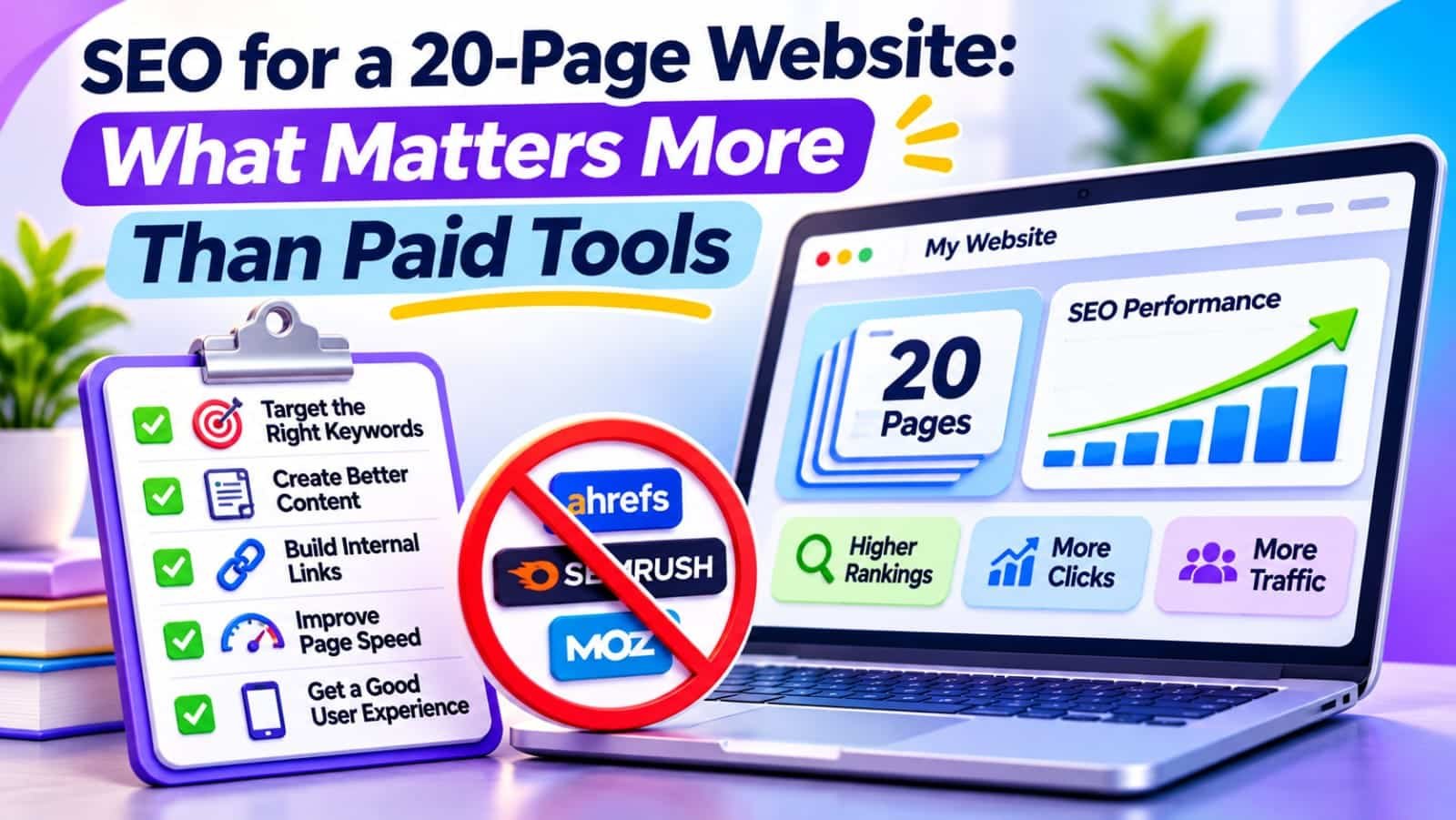
Quick Answer
SEO for a 20-page website should prioritize indexable pages, specific search intent, useful content, sensible internal links, and reliable measurement before paid software. Start with Google Search Console, check every important URL, improve your strongest opportunities, and maintain a simple content map. Buy a tool only when a repeated task costs more time than the subscription saves.
In This Guide
- Quick Verdict
- Why a 20-Page Website Needs Different SEO Priorities
- Audit All 20 Pages Before Buying Anything
- Five SEO Priorities That Matter Most
- The Free SEO Tool Stack
- When a Paid Tool Is Worth the Money
- Real Case Study
- A 30-Day Action Plan
- Common Mistakes to Avoid
- Frequently Asked Questions
- Final Verdict
- Recommended Next Reads
Quick Verdict
With only 20 pages, your advantage is control: you can inspect every important URL manually. Your biggest constraint is usually not missing software features. It is deciding which pages deserve attention and which searches they should satisfy.
| Priority | Free starting point | Why it matters |
|---|---|---|
| Make important pages indexable | Search Console URL Inspection | An excluded page cannot attract normal Google Search visits |
| Match distinct search intents | Manual results review | Prevents irrelevant or overlapping articles |
| Improve existing pages | Search Console Performance | Builds on visibility you already have |
| Connect related pages | Manual internal links | Helps readers and crawlers discover useful next steps |
| Measure useful outcomes | Search Console and GA4 | Separates relevant growth from vanity metrics |
I would use: free Google tools, a spreadsheet, and one well-configured SEO plugin if the site runs on WordPress.
I would not use: enterprise crawlers, multiple overlapping SEO plugins, mass AI content generation, or rank tracking for hundreds of keywords.
The goal is not to achieve a perfect tool score. It is to make each important page genuinely useful and findable.
Why a 20-Page Website Needs Different SEO Priorities
Large publishers manage thousands of URLs, teams, templates, and automated workflows. A 20-page website can often complete its first serious content and technical review in a spreadsheet.
That changes the economics of SEO. Paying monthly for automated crawling may make sense across 50,000 URLs, but not when you can personally inspect the entire site. Conversely, leaving ten weak articles unchanged because you are researching a sophisticated platform is an expensive use of your time.
Audit All 20 Pages Before Buying Anything
Create a spreadsheet with these columns: URL, page type, intended reader, primary search question, index status, three-month clicks, impressions, average position, internal links received, and next action.
Start by opening Google Search Console and inspecting the homepage plus your most important articles. Check whether Google selected the expected canonical and whether any accidental noindex instruction affects the page.
Then open Performance > Search results. Select Web search and a meaningful date range. Review Pages, filter one URL, and open Queries.
Classify each URL as Keep, Improve, Investigate, or Not intended for search. For a fuller framework, see How to Audit SEO Content with AI.
If your site already receives impressions but almost no visits, use the separate guide Google Search Console Shows Impressions but No Clicks: What to Fix First to diagnose the query-level issue.
Five SEO Priorities That Matter Most
1. Ensure Google Can Access Your Important Content
Check URL Inspection for priority pages, confirm that the server returns useful content, and verify canonical and indexing settings. In WordPress, check Settings > Reading > Search Engine Visibility and the relevant Rank Math settings.
Fix accidental restrictions, broken pages, and incorrect canonical signals. Do not assume every excluded archive or duplicate URL is a problem. Google does not need to index every technical URL.
2. Give Every Page a Distinct Search Purpose
A 20-page website should not publish five variations of “best SEO tools” that all address the same question. Build a simple keyword-to-URL map: one primary search intent for each indexable page, with related questions handled in supporting sections.
| Page group | Count | Purpose |
|---|---|---|
| Core topic guides | 3 | Explain the main subjects comprehensively |
| Specific problem-solving tutorials | 9 | Answer narrow, actionable questions |
| Comparisons and decision guides | 4 | Help readers evaluate relevant choices |
| Checklists and practical resources | 4 | Turn explanations into repeatable actions |
Before drafting another post, examine whether an existing article already meets the same intent. If it does, improve that article instead of creating unnecessary overlap.
3. Improve Pages With Evidence of Opportunity
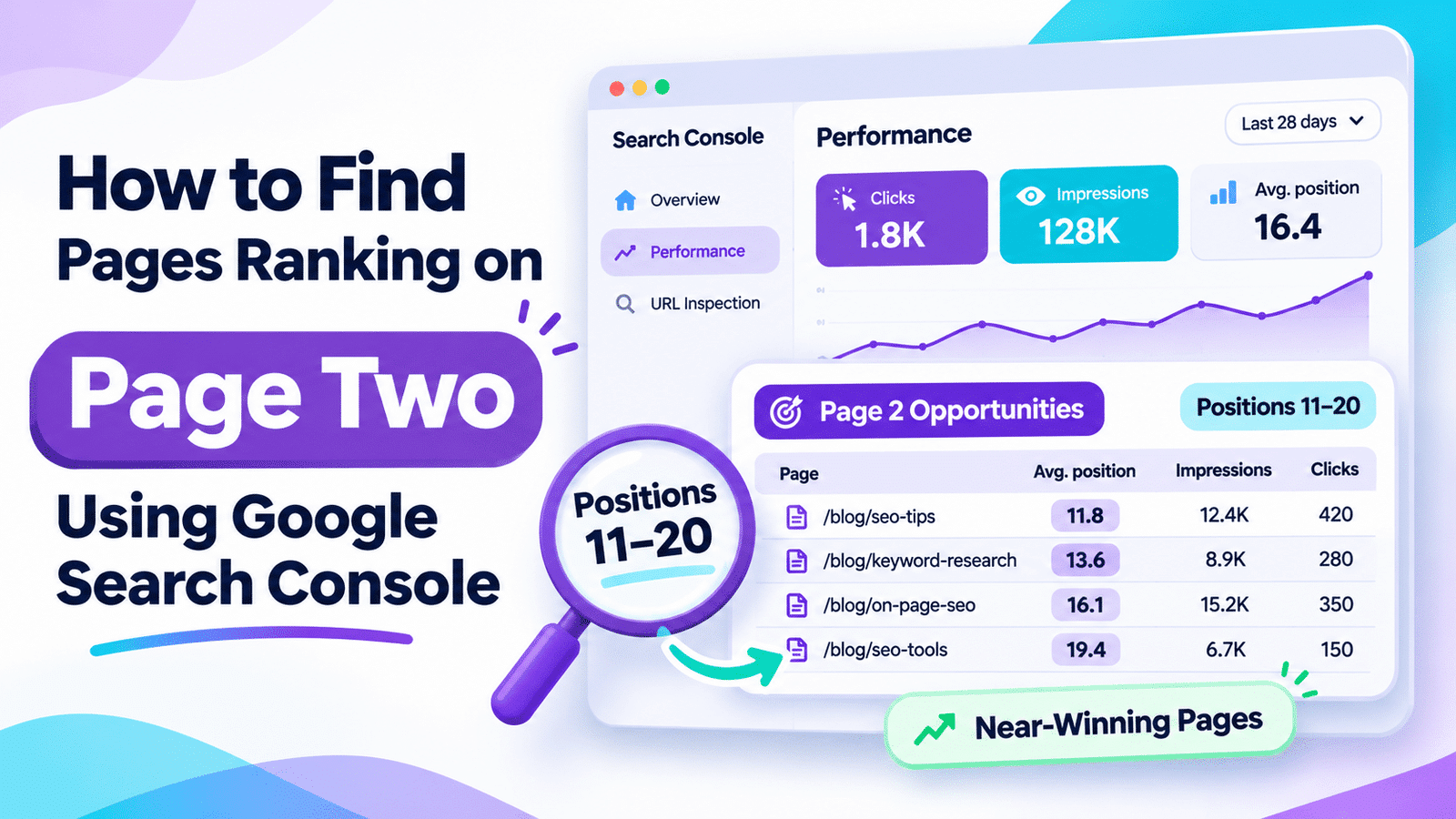
Look for pages with relevant impressions, declining clicks, or a clear gap in their explanations. A page averaging positions 11–20 for an important query may warrant inspection, but its position is not a promise of easy rankings.
Compare what searchers need with what your article offers. Maybe you omitted a screenshot, use an outdated interface, or explain a problem without giving the actual fix.
For an exact method of finding these candidates, read How to Find Pages Ranking on Page Two Using Google Search Console.
Preserve the existing URL when possible. Add or correct information that materially helps readers, rather than rewriting everything to satisfy a content score.
4. Build Useful Internal Paths
For twenty pages, open each important article and ask which other page would help a reader take the next step. Then add a small number of relevant contextual links using descriptive anchor text.
A guide about indexing might link to URL Inspection, a sitemap checklist, and a tutorial on impressions without clicks. A comparison page could link to its methodology or an explanation of the problem the products solve.
Do not link every page to every other page. The relationship should make sense without SEO jargon.
You can review manual and automated options in Best AI Tools Tested for Internal Linking, but a twenty-page site rarely needs a subscription merely to add several appropriate links.
5. Improve Trust, Readability, and Actual Page Experience
Explain who the content serves, who is responsible for it, and when information was last meaningfully reviewed. Use accurate examples, clear headings, descriptive links, and alt text for informative images.
Check pages on a mobile phone. Can users read instructions, navigate between sections, and reach the answer without fighting intrusive overlays?
Use PageSpeed Insights as a diagnostic aid when pages feel slow, but treat its measurements as context rather than a license to redesign a functional site.
The Free SEO Tool Stack
You can cover the foundational workflow without a paid bundle.
| Tool | Primary job | Practical limitation |
|---|---|---|
| Google Search Console | Queries, clicks, indexing, URL inspection | Does not expose every query or promise rankings |
| Google Analytics 4 | Engagement and conversion trends | Sessions differ from Search Console clicks |
| Google Sheets | Page inventory and priority tracking | Requires manual interpretation |
| PageSpeed Insights | Performance diagnostics | Scores are not a complete SEO verdict |
| WordPress SEO plugin, free tier | Titles, descriptions, sitemaps, indexing controls | Plugin scores are not Google’s ranking system |
Choose one primary WordPress SEO plugin rather than installing several that manage the same metadata.
When a Paid Tool Is Worth the Money
A subscription becomes sensible when it solves a recurring bottleneck that you cannot reasonably handle with free methods.
Examples include managing several websites, researching hundreds of topics, regularly monitoring competitors, or automating a process that takes hours each week.
Ask four questions before paying:
- Which decision will this tool improve that I cannot make now?
- How often will I perform that task?
- Will the benefit justify the monthly cost and learning time?
- Can I test the workflow using a free version or short-term plan?
For a single twenty-page site, buy the capability you demonstrably need, not the largest suite you can afford.
Real Case Study
In a June 10, 2021 controlled experiment, SearchPilot tested changing related-article links on an ecommerce customer’s content hub pages from two to four.
The combined pages showed an estimated 11% organic-traffic uplift with a 90% probability of a positive outcome, below the stronger 95% threshold often used to describe a conclusive result.
Pages supplying the added links showed a 16% uplift with a 95% probability of a positive outcome; pages receiving the links had no detectable change.
This was a larger ecommerce content hub, not a twenty-page blog, and the findings do not mean that adding two links will raise your traffic by 11%.
The useful principle is to test relevant navigation improvements instead of assuming sophisticated software must come first.
External source: SearchPilot — Will Increasing the Number of Related Article Links Help for SEO?
A 30-Day Action Plan
Week 1: Establish the foundation. Inventory all important pages, inspect canonical and indexing status, and note any serious usability problems. Correct verified technical blockers before making speculative content changes.
Week 2: Map intent and architecture. Assign one primary question to each page. Identify overlap, missing answers, and orphaned articles. Add useful internal links from related content.
Week 3: Improve three priority pages. Choose one indexed page with promising queries, one outdated guide, and one high-value resource with a clear gap. Make targeted edits and document the dates.
Week 4: Measure and decide. Review Search Console and GA4, compare equivalent periods when meaningful, and set the next month’s priorities. Do not declare success from two clicks or expect four weeks to guarantee new rankings.
Common Mistakes to Avoid
- Buying tools before identifying a problem. A subscription does not fix weak search intent.
- Treating all twenty URLs as identical. A homepage, guide, and comparison serve different purposes.
- Publishing overlapping articles. Shared keywords are fine; duplicating the same answer adds little value.
- Changing every title at once. Track what changed and why.
- Chasing perfect audit scores. Distinguish genuine user problems from minor warnings.
- Ignoring conversions. Relevant leads or subscriptions matter more than inflated impression totals.
Frequently Asked Questions
Can a 20-page website rank on Google?
Yes. Google does not impose a minimum page count for rankings. A small website can serve specific searches well, although competition and relevance affect its visibility.
Do I need Ahrefs or Semrush for a small website?
Not automatically. Start with Search Console, manual research, and an inventory. Consider paid research tools only when their added data or automation supports a clear recurring task.
How many internal links should each article have?
There is no universal number. Link naturally to pages that genuinely help the reader, and ensure important pages are reachable through sensible navigation.
Is publishing more content better than updating old pages?
It depends. Update an existing page when it already answers the intended question but needs stronger details. Publish a new page when a distinct search need is not covered.
Do free SEO plugins provide enough features?
Often, yes for basic titles, descriptions, sitemaps, and indexing settings. Check what your CMS already provides and avoid overlapping plugins.
How soon will SEO changes show results?
There is no reliable deadline. Google may process edits over days or weeks, while measurable ranking and traffic effects may take longer. Track trends instead of promising immediate gains.
Final Verdict
For a twenty-page website, focused editorial decisions beat paying for complexity you do not yet need. Make priority pages accessible, align each page with a useful question, repair weak answers, and connect related content. Use free Google data to select your next action.
Your next action: List all twenty important URLs, choose three with a clear improvement opportunity, and schedule one targeted fix this week. Consider paid software only after you can explain the specific job it will do better.

Comments 4