Quick Answer
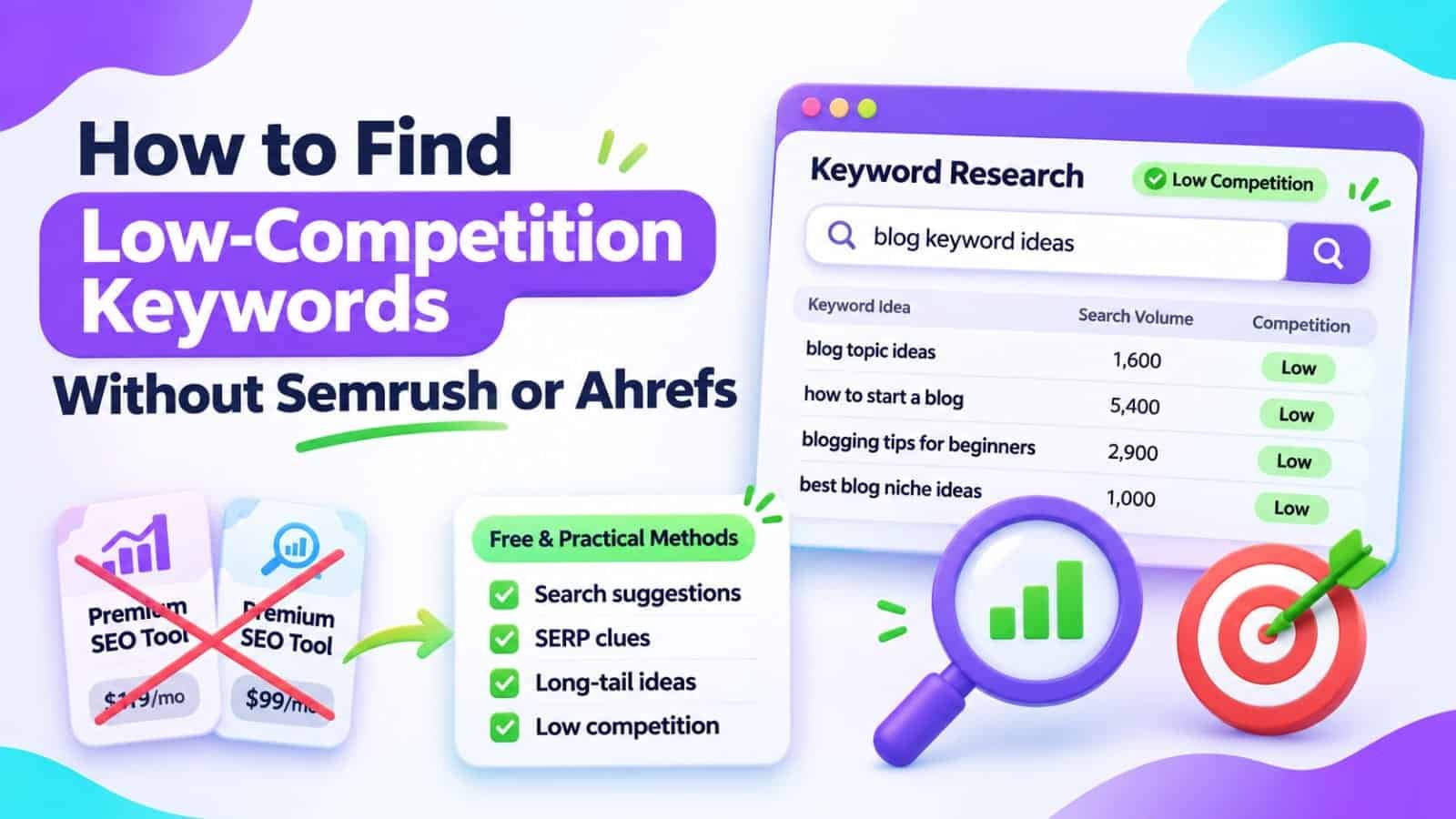
To find low-competition keywords without Semrush or Ahrefs, start with a specific problem your audience wants solved. Collect search phrases from Google Search Console, autocomplete suggestions, and related questions. Check each query’s actual Google results for intent, relevance, and weaknesses in competing pages. Select topics you can answer better, even without a paid keyword difficulty score.
In This Guide
- Quick Verdict
- What Low Competition Really Means
- A Free Seven-Step Keyword Research Workflow
- Evaluate the Search Results Before Choosing a Keyword
- Build a Keyword Shortlist for a Small Blog
- Real Case Study
- Your 60-Minute Research Plan
- Common Mistakes to Avoid
- Frequently Asked Questions
- Final Verdict
- Recommended Next Reads
Quick Verdict
You do not need a subscription to discover realistic keyword opportunities. You do need to understand what searchers want and whether your site can provide a more useful answer than the results already appearing.
| Free source | What it reveals | What it cannot prove |
|---|---|---|
| Search Console | Queries already associated with your website | Total keyword demand or exact difficulty |
| Google autocomplete | Possible search wording and question angles | Reliable monthly search volume |
| Related searches and People Also Ask | Adjacent questions and intent | That each suggestion deserves its own article |
| Google Trends | Relative interest over time and by region | Absolute monthly searches |
| Manual search-result review | Competing content, formats, and answer gaps | Guaranteed ranking difficulty |
I would use: free Google data, a spreadsheet, and a manual review of five to ten relevant results.
I would not use: made-up search volumes, the number of Google results as a difficulty score, or a new article for every keyword variation.
What Low Competition Really Means
A low-competition keyword is a query for which your website may have a reasonable chance to earn meaningful visibility. This is a practical assessment, not an official Google label.
Long-tail searches are often specific, but long does not automatically mean easy. “Best affordable accounting software for nonprofits” may attract sophisticated competitors even though the phrase contains several words.
Assess four things together: search intent, evidence of demand, the usefulness of competing pages, and your ability to create a better resource. Think in terms of achievable audience problems rather than collecting supposedly easy keywords.
If your WordPress site has very little visibility overall, our guide on why a small WordPress website gets almost no organic traffic explains the technical and content checks to complete alongside keyword research.
A Free Seven-Step Keyword Research Workflow
1. Start With One Narrow Audience Problem
Choose a problem you can explain confidently. For a small SEO blog, “SEO tools” is too broad to guide useful research. “How to check whether a WordPress sitemap contains an important post” is a clearer question.
Write down the reader, their situation, and the outcome they need. Use that sentence as your seed topic.
2. Mine Search Console for Existing Clues
Open Google Search Console > Performance > Search results. Select Web search, enable impressions, clicks, and average position, and choose a meaningful period such as three months.
Open the Queries tab. Look for relevant phrases receiving impressions but little traffic. Filter a promising page, then inspect the queries associated with that URL. An unexpected question may reveal a missing section or a future article idea.
Do not confuse average position with a fixed ranking. Some individual queries are also anonymized, so the visible table is not a complete record of everything people searched.
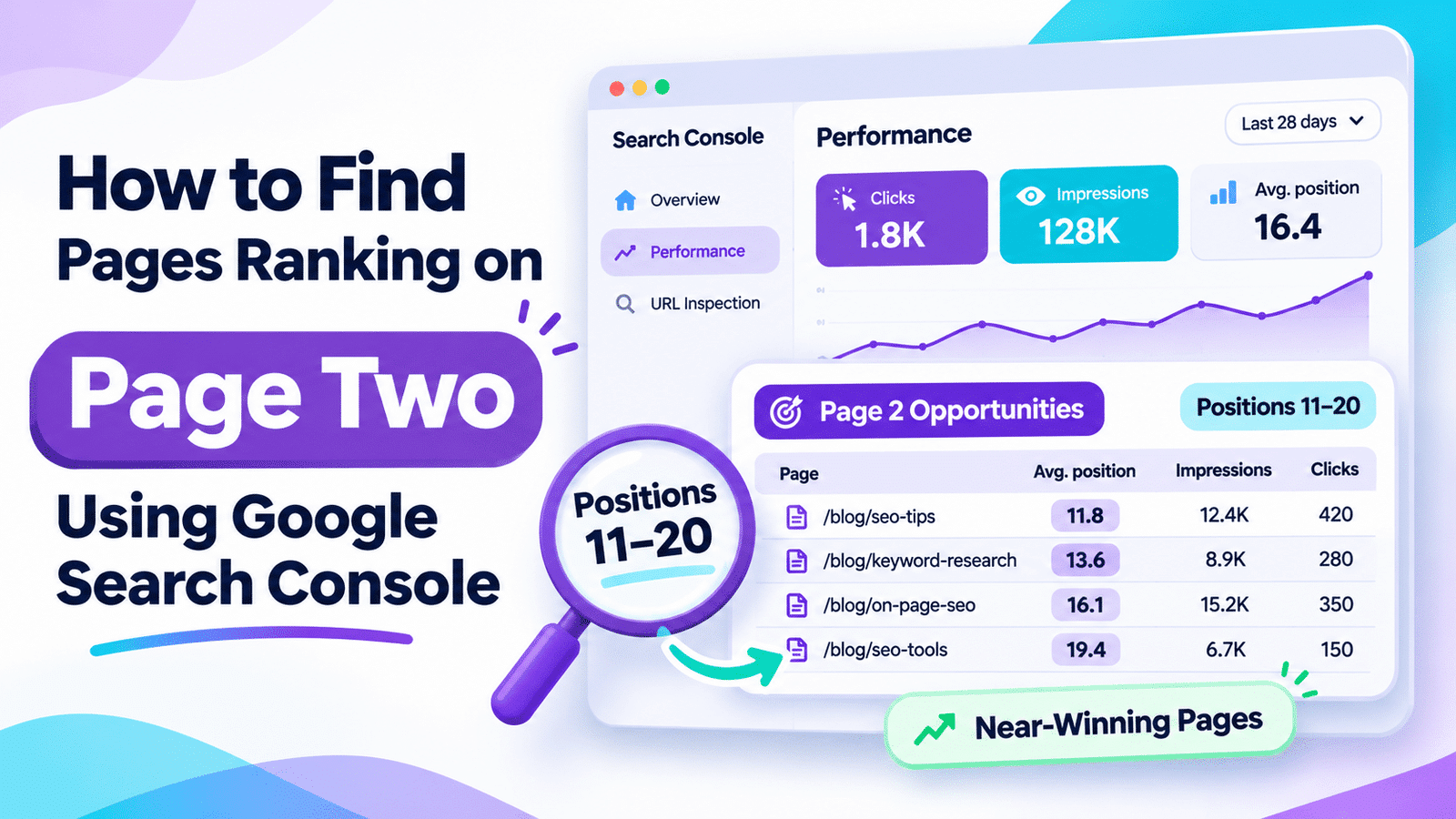
If a page already appears around positions 11–20 for a useful query, it may be more efficient to improve that page. Our guide to finding page-two rankings in Search Console explains that process.
3. Expand Your Ideas With Google Suggestions
Type your seed phrase into Google and observe autocomplete suggestions. Try natural modifiers such as “without,” “for beginners,” “small website,” “not working,” and “free.”
Then inspect related searches and People Also Ask questions when those features appear. Record questions that reflect a genuine user need, not every phrase Google offers.
4. Use Google Trends to Check Direction, Not Exact Volume
Compare a few related phrases in Google Trends, selecting the intended country and a relevant time range. Look for seasonal peaks, declining terminology, and differences between markets.
Trends scales relative interest from 0 to 100; a score of 100 is not 100 searches. Very small queries may show zero because the available data is insufficient. That does not establish that nobody searches for them.
For extremely niche phrases, treat Trends as supplementary evidence. Your audience knowledge and manual result review may be more informative.
5. Inspect Actual Google Results
Search each candidate query in the market you intend to serve. Review the visible results and ask what type of content dominates: tutorials, ecommerce categories, videos, forum answers, or comparisons.
Open several relevant results. Are their instructions outdated? Do they miss an essential step? Are they written for enterprise teams when the query asks about solo bloggers? Such gaps can represent an editorial opportunity.
Do not declare the keyword easy just because a forum appears or one site looks small. Strong search intent, trusted brands, SERP features, and established content can make a query difficult despite apparent weaknesses.
6. Group Keywords by Search Intent
Consider “WordPress sitemap missing post” and “why is my post missing from XML sitemap.” These may belong in one troubleshooting guide. “Best WordPress sitemap plugins” is a different comparison intent.
Assign one primary question to each planned page and place closely related variations inside that page. Before drafting, search your own site for an article already answering the question.
If you’re uncertain about overlap, our SEO content audit guide explains how to distinguish valid supporting pages from potential cannibalization.
7. Prioritize and Select Your First Three Topics
Keep only queries you can address with useful firsthand work, original explanation, or careful verification. Favor specific problems with clear next steps and a sensible fit for your site’s audience.
Do not automatically publish a new post. Sometimes adding a missing answer to an indexed page is the better action. Record the decision before writing.
Evaluate the Search Results Before Choosing a Keyword
Use a small decision table rather than pretending you know exact keyword difficulty.
| Signal | Promising interpretation | Reason for caution |
|---|---|---|
| Search intent | Clear question you can answer | Mixed results suggest uncertainty |
| Competing content | Missing steps or outdated details | Strong, current, complete answers dominate |
| Audience fit | Directly relevant to your readers | Interesting topic but no strategic connection |
| Demand evidence | Impressions or repeated relevant questions | No evidence beyond one suggestion |
| Content feasibility | You can produce a useful original resource | Requires tests or expertise you do not have |
Build a Keyword Shortlist for a Small Blog
Create a free spreadsheet with these fields: query, intent, existing URL, demand evidence, competitor gap, confidence, effort, and next action.
Here is a hypothetical example for a WordPress SEO blog:
| Candidate query | Observation | Suggested action |
|---|---|---|
| Why is my WordPress sitemap missing posts? | Clear troubleshooting intent | Draft a step-by-step guide if no equivalent exists |
| Free SEO audit for a 20-page website | Distinct small-site audience | Build a practical checklist |
| Best SEO software | Broad and commercially competitive | Deprioritize for now |
| Check Google-selected canonical in Search Console | Specific technical question | Add to an existing indexing guide if appropriate |
These are examples, not verified keyword-volume or difficulty estimates. Before approval, check the live results and your site’s existing URLs.
For readers who later want automated weak-SERP analysis, Searchmora’s LowFruits review covers that paid-tool workflow. It is optional; it does not replace judging whether your content is useful.
Real Case Study
SearchPilot published an SEO A/B test on August 16, 2022, involving ecommerce product pages. Some useful product descriptions, containing relevant long-tail terms, were placed behind tabs and required JavaScript to display.
The test brought this content into a visible section above the fold. SearchPilot reported a 14% uplift in desktop organic traffic. The experiment ran longer than usual because the tested pages had relatively low traffic.
The researchers could not isolate whether the effect came from moving the descriptions higher, exposing them without the tab dependency, or both. The test did not measure keyword difficulty or prove that targeting a long phrase guarantees rankings.
The practical lesson for a small publisher is to make genuinely relevant, specific information accessible and useful on the page. Finding a promising query matters, but answering it clearly matters too.
External source: SearchPilot — Does Adding Product Descriptions Above The Fold Improve SEO?
Your 60-Minute Research Plan
Minutes 0–10: Define one audience problem and collect your existing Search Console queries.
Minutes 10–20: Expand the seed topic with autocomplete and related questions.
Minutes 20–35: Examine live search results for five promising queries, recording intent and content gaps.
Minutes 35–45: Check relative interest in Trends where useful and eliminate unrelated ideas.
Minutes 45–55: Group overlapping queries and compare them with existing posts.
Minutes 55–60: Choose the best three topics, recording why each deserves attention.
Your output is a short, justified editorial shortlist, not a claim that you have discovered three guaranteed easy rankings.
Common Mistakes to Avoid
- Equating long-tail with easy: Specific phrases can still be highly competitive.
- Trusting a single forum result: One weaker listing does not make the whole SERP weak.
- Treating Trends scores as search volume: The numbers represent relative interest.
- Ignoring search intent: A buying guide cannot replace a troubleshooting tutorial.
- Splitting every variation into a separate post: Group genuinely matching questions together.
- Inventing keyword metrics: Use clearly labeled observations when paid difficulty estimates are unavailable.
- Choosing keywords only for traffic: Relevant readers and useful outcomes matter more.
Frequently Asked Questions
Can I find low-competition keywords completely free?
Yes. Search Console, autocomplete suggestions, Google Trends, and manual SERP analysis can produce a useful shortlist. They do not provide a definitive difficulty score or guarantee that a new article will rank.
Are long-tail keywords always low competition?
No. Long-tail describes relatively specific or less common search behavior, not a guaranteed difficulty level. Some detailed commercial queries attract highly competitive pages.
How do I find keywords for a brand-new website?
Start with audience questions, autocomplete, related searches, and manual search-result reviews. Search Console becomes more informative after your site earns impressions.
Does Google Trends show monthly search volume?
No. Trends provides normalized relative interest, not absolute monthly searches. A zero value for a niche term may reflect insufficient data rather than no real demand.
What if several keywords have the same intent?
Usually address them in one strong page when they represent the same user need. Create separate pages only when the expected answer and intent are meaningfully different.
Should I buy a keyword research tool later?
Consider one when you regularly need scale, historical estimates, competitor research, or automated grouping. For a small blog, validate the research workflow first and pay only when the additional data saves meaningful time.
Final Verdict
You can find realistic keyword opportunities without Semrush or Ahrefs by combining free query clues with careful evaluation of real Google results. Avoid reducing the decision to keyword length, result counts, or an imaginary difficulty score.
Start with the reader’s problem, collect relevant phrases, inspect the competition, group similar intents, and choose topics you can answer particularly well.
Your next action: Spend one hour building a shortlist of three specific queries, confirm they do not duplicate existing posts, and outline the strongest one before publishing anything new.


Comments 4