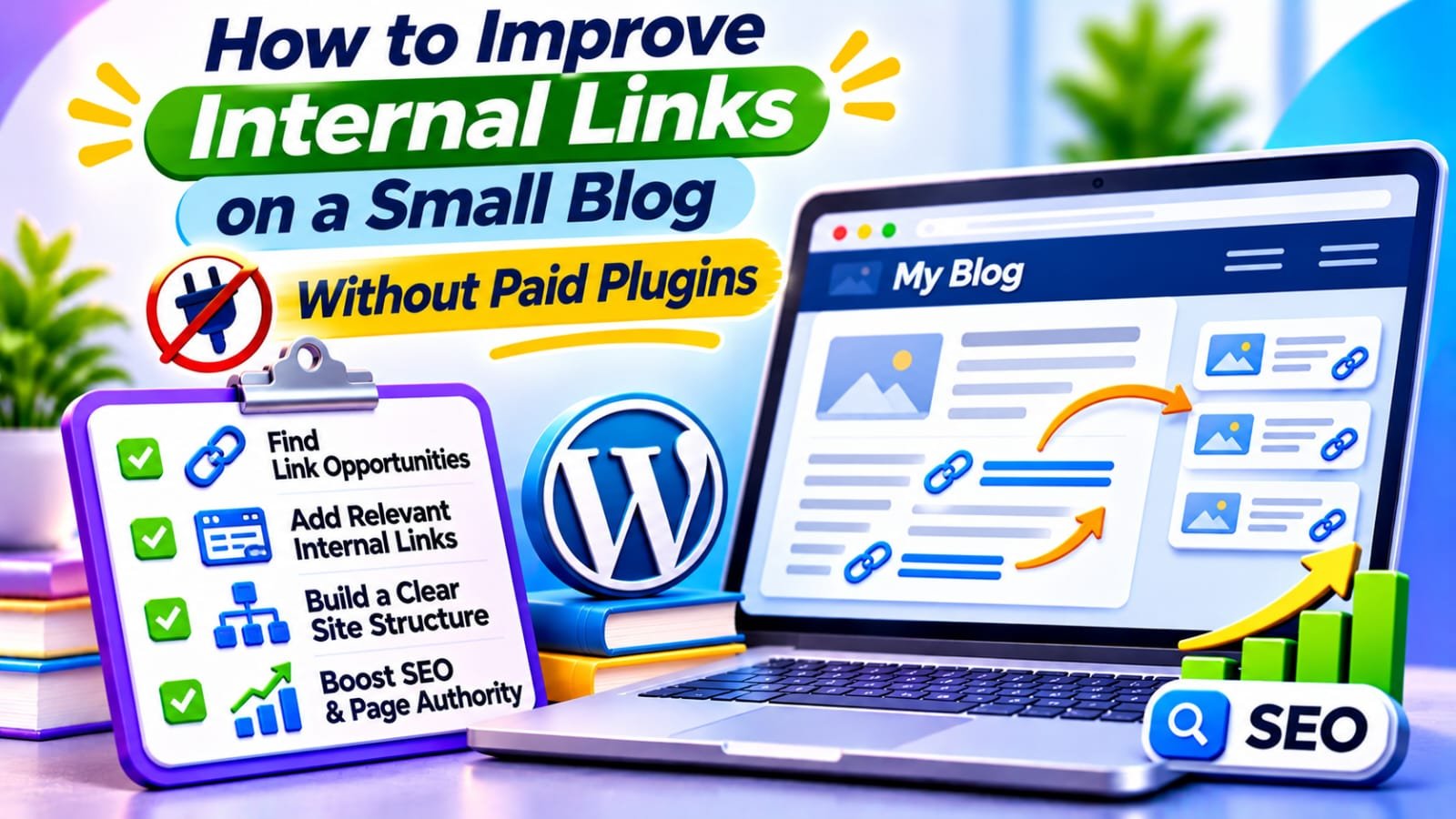
Quick Answer
To improve internal links on a small blog without paid plugins, list your important posts, identify pages with few useful incoming links, and connect related articles where readers naturally need a next step. Use descriptive anchor text, link directly to working canonical URLs, and verify the public pages. A spreadsheet and Google Search Console are enough to begin.
In This Guide
- Quick Verdict
- Why Internal Links Matter for Small Blogs
- Audit Your Existing Links for Free
- Seven Practical Improvements
- Build a Simple Internal Linking Map
- Choose Which Pages Deserve Links First
- Real Case Study
- A 60-Minute Implementation Plan
- Measure Results and Avoid Common Mistakes
- Frequently Asked Questions
- Final Verdict
- Recommended Next Reads
Quick Verdict
A small blog can improve its internal links without expensive automation by prioritizing useful connections between existing pages.
| Problem | Free Fix | What to Verify |
|---|---|---|
| Valuable guide is difficult to find | Link from a related, accessible post | The link is visible and works |
| Readers reach a dead end | Add a useful next-step link | Destination answers the next question |
| Several links use “click here” | Replace vague anchors | Link text describes the destination |
| Internal links lead through redirects | Point to the preferred URL | Destination loads successfully |
| A topic has disconnected articles | Connect relevant guides around a hub | No forced or repetitive linking |
I would use: your WordPress editor, Google Search Console, a URL inventory, and manual review.
I would not use: keyword-based automatic link insertion, arbitrary link-count targets, or a premium plugin before finding a recurring problem.
Bottom line: The best internal link is one that helps a visitor continue a useful task.
Why Internal Links Matter for Small Blogs
An internal link takes a visitor from one page on your website to another. It can help people locate relevant answers, give search engines crawlable paths to pages, and provide context about the linked destination through its anchor text.
Google recommends providing links to important pages from other pages on your site. However, there is no universal number of links every article must contain.
A practical example: someone reading about poor WordPress traffic may next need instructions for inspecting Google Search Console. A contextual link saves that reader another search. A link to an unrelated tool review probably does not.
Internal linking cannot repair inaccurate content or guarantee rankings. When a blog has almost no organic visibility, investigate indexing and search intent as well; our guide on why a small WordPress website gets almost no organic traffic explains those broader causes.
Audit Your Existing Links for Free
Step 1: List Your Important URLs
Open WordPress Posts > All Posts and Pages > All Pages.
Record public, canonical URLs in Google Sheets.
Add each page’s topic, purpose, and whether it is a guide, tutorial, review, or landing page.
Prioritize articles intended to attract organic traffic or help visitors complete important tasks.
Step 2: Review the Search Console Links Report
In Google Search Console, open:
Links > Internal links > Top linked pages
Examine which important pages appear and, for a selected URL, which sources Google reports linking to it.
This is a sample, not a complete inventory. Google groups links by canonical URL and may omit some sources.
A low number of reported links is a reason to investigate, not definitive evidence that a page is orphaned.
Step 3: Check the Actual Public Pages
Open a priority article and inspect links in the main content.
Ask:
- Do the destinations load?
- Are they about the next logical question?
- Can readers identify where the links lead?
- Are important articles linked from relevant content?
A post linked from a public category archive is not strictly orphaned, but it may still lack helpful contextual links.
Step 4: Record Actionable Findings
Use a spreadsheet like this:
| Source Page | Destination | Issue | Action |
|---|---|---|---|
| WordPress traffic guide | Indexing tutorial | No relevant link | Add contextual link |
| Old comparison | Deleted resource | Broken URL | Replace or remove |
| SEO audit guide | Related checklist | Generic anchor | Rewrite descriptive anchor |
These are hypothetical examples. Verify every real destination before editing.
Seven Practical Improvements
1. Add Links Where Readers Need the Next Step
Read the existing paragraph before adding a link.
If it introduces a subproblem covered more fully elsewhere, connect the pages there rather than inserting a promotional sentence at the end.
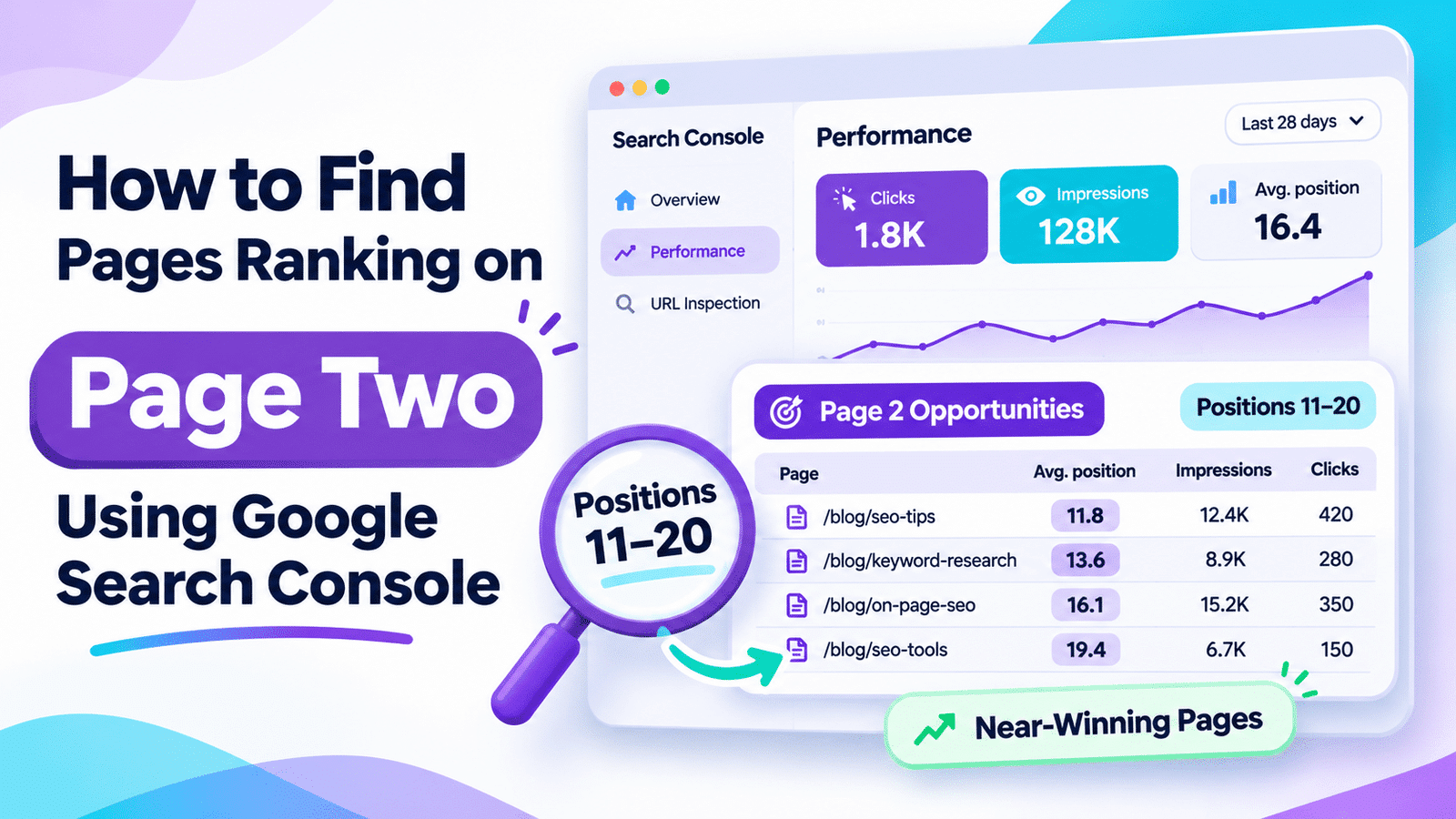
For example, an article discussing page-two rankings could direct readers to how to find pages ranking on page two using Google Search Console.
This works because the destination explains a procedure the reader might actually need.
Avoid inserting multiple unrelated links into one sentence simply to increase the number of internal links.
2. Use Concise, Descriptive Anchor Text
Anchor text is the visible, clickable wording.
Compare:
Weak: Read more here.
Better: See the Google Search Console rankings walkthrough.
A good anchor describes the destination without promising something it does not contain.
For accessibility, link wording should also make sense when a screen reader presents links separately from their surrounding paragraphs.
Avoid repeatedly using the same exact-match keyword when more natural wording would be clearer.
3. Give Important Pages More Than a Hidden Route
Your most useful guides should be reachable through sensible site navigation and related content.
Choose a few relevant existing posts that would naturally refer to the priority guide.
An article linked only from an old archive may technically have an incoming link but still be difficult for readers to discover.
Do not add every valuable URL to every article or create an unnecessarily large sitewide footer.
4. Repair Broken Links and Unnecessary Redirects
Click links in your priority posts or use a free crawler if the site is larger.
Replace links returning errors with current, relevant destinations.
When a link passes through a redirect to the correct page, consider editing the source link to point directly to the preferred canonical URL.
Keep legitimate redirects that serve existing visitors or external backlinks.
Do not redirect unrelated missing articles to your homepage merely to eliminate errors.
5. Connect a Pillar Guide With Supporting Tutorials
A small topic cluster can use one broader guide and several focused supporting pages.
The broader guide introduces the main problem and directs readers to detailed instructions.
Supporting tutorials can link back when the complete workflow offers useful context.
For example, a free SEO audit hub might link to separate tutorials on indexing, keyword research, and internal links.
Organize your existing pages before creating new articles that might duplicate the same search intent.
6. Check Whether Links Are Crawlable
Google can normally follow standard HTML links containing an href attribute.
Navigation implemented only through JavaScript event handlers or non-link elements may be difficult for crawlers to discover.
In WordPress, use the editor’s ordinary link feature and verify that the published page renders a working link.
If a custom builder inserts navigation dynamically, inspect its rendered HTML and test it in a browser.
For linked images, meaningful alt text can also explain the destination.
7. Make Commercial Links Earn Their Place
A monetized blog may link from an informational tutorial to a related comparison or product review.
Do so only when the reader has reached a genuine buying decision, and present free options and limitations fairly.
For instance, after explaining manual linking, you could mention that a larger content library may benefit from automation and point to Best AI Tools for Internal Linking.
For a blog with only 20 posts, the free workflow may still be the better choice.
Disclose relevant affiliate relationships and never let commissions determine editorial recommendations.
Build a Simple Internal Linking Map
Create one row for each important URL.
Add columns for:
- Page topic.
- Incoming-link sources.
- Useful outgoing destinations.
- Priority.
- Completion status.
A small blog might map the following reader journey:
| Starting Page | Useful Next Page | Reader’s Next Question |
|---|---|---|
| WordPress traffic diagnosis | Search performance tutorial | Where do I inspect search data? |
| Search performance tutorial | Detailed content audit | What should I improve? |
| Content audit guide | Internal linking tutorial | How do I connect relevant posts? |
| Internal linking tutorial | Tool comparison | Do I need automation at scale? |
This example illustrates possible page relationships; it is not a report of links already implemented on Searchmora.
If you discover overlapping or outdated pages during the process, evaluate them separately.
How to Audit SEO Content with AI offers a broader framework for deciding what to keep or update, without treating missing links as an automatic reason for deletion.
Choose Which Pages Deserve Links First
Prioritize pages that serve important reader needs and currently lack a clear route from related content.
Search Console impressions can help identify articles already receiving attention, but page value also includes conversions and its role in helping users.
Give first attention to:
- Useful guides without contextual incoming links.
- Important instructions referenced elsewhere only as plain text.
- Posts whose broken links interrupt a practical workflow.
- Valuable supporting articles difficult to reach through normal navigation.
Use a simple editorial priority system:
| Priority | Situation | Action |
|---|---|---|
| High | Important isolated content or broken reader journey | Fix first |
| Medium | Useful but weakly connected tutorials | Add relevant links |
| Low | Optional navigation improvements | Review later |
These are editorial planning categories, not Google’s ranking labels.
Real Case Study
In an August 2020 controlled SEO test, SearchPilot examined internal links on Iceland Groceries’ category pages.
The website had multiple category levels, but users mainly navigated between them through the main menu.
SearchPilot added links from second-level categories to relevant third-level categories.
What Happened?
The test reported an estimated 25% uplift in organic traffic across the two affected category groups, equivalent to approximately 9,200 additional organic sessions per month in that experiment.
Both page groups showed estimated uplifts above 20%.
What Small Blog Owners Can Learn
This was a large ecommerce website, not a small WordPress blog.
The result cannot be used to predict what adding a handful of links to a small blog will achieve.
Its practical lesson is that clearer paths between related pages can benefit discovery and search performance when implemented thoughtfully.
External source: SearchPilot — SEO Test: The Real SEO Impact of Internal Linking Changes
A 60-Minute Implementation Plan
| Time | Action | Outcome |
|---|---|---|
| 0–10 minutes | List priority URLs | Page inventory |
| 10–20 minutes | Check Search Console links and public pages | Candidate weak connections |
| 20–35 minutes | Choose three relevant source-destination pairs | Linking plan |
| 35–50 minutes | Add descriptive contextual links | Updated articles |
| 50–60 minutes | Test links and record changes | Quality assurance and baseline |
This plan is for a first review, not a complete audit of a large website.
Record the source URL, destination URL, anchor text, date, and reason for each change.
Measure Results and Avoid Common Mistakes
After editing, confirm that links appear on public pages and lead to working canonical destinations.
Recheck a crawl when useful.
Over the following weeks, monitor page-level clicks and impressions in Search Console and relevant engagement or conversions in GA4.
Do not treat every traffic increase as proof that one added link caused it. Rankings, demand, and other website changes can influence outcomes.
Common mistakes include:
- Adding links to reach a fixed number: There is no universal ideal link count.
- Repeating exact-match anchors: Forced keywords can make writing unnatural.
- Confusing a sitemap with internal navigation: A sitemap entry is not a contextual link.
- Deleting isolated content immediately: Investigate its purpose before removal.
- Automatically linking every keyword occurrence: Relevance matters more than automation.
- Ignoring broken destinations: Always verify the URLs you recommend.
Frequently Asked Questions
1. How many internal links should a small blog post have?
There is no universal number. Add links where they help readers understand the current topic or complete the next relevant task. A short tutorial may need fewer links than a comprehensive guide.
2. Can I improve internal links without a WordPress plugin?
Yes. Use your WordPress editor, Search Console’s Links report, a spreadsheet, and manual page checks. Paid plugins become more useful when a large content library makes manual review inefficient.
3. Do internal links help Google discover pages?
Yes. Crawlable internal links provide paths to other pages and offer context through their anchor text. They do not guarantee that a page will be indexed or rank well.
4. Is a post orphaned if it appears in a category archive?
Not strictly, provided the archive link is crawlable. It may still lack useful links from related articles, so assess its practical accessibility rather than labeling it automatically orphaned.
5. Should I use the same anchor text every time?
No. Describe each destination accurately in the context of the sentence. Natural variation is fine; avoid forced keyword repetition and vague wording.
6. How long until internal-link changes improve rankings?
There is no guaranteed timeline or result. Google must process the changes, and their impact depends on the pages involved, competition, and other factors. Confirm links first, then monitor meaningful periods.
Final Verdict
Improving internal links on a small blog is primarily an editorial and navigation task.
Identify important pages, find natural connections, write descriptive anchor text, repair broken routes, and verify the public results.
You can complete these foundational improvements without purchasing another plugin.
Your next action: Choose three valuable articles that are difficult to reach, find a genuinely related source page for each, and add one useful contextual link.
Record the changes and review their results later.
Comments