⚡ Quick Answer
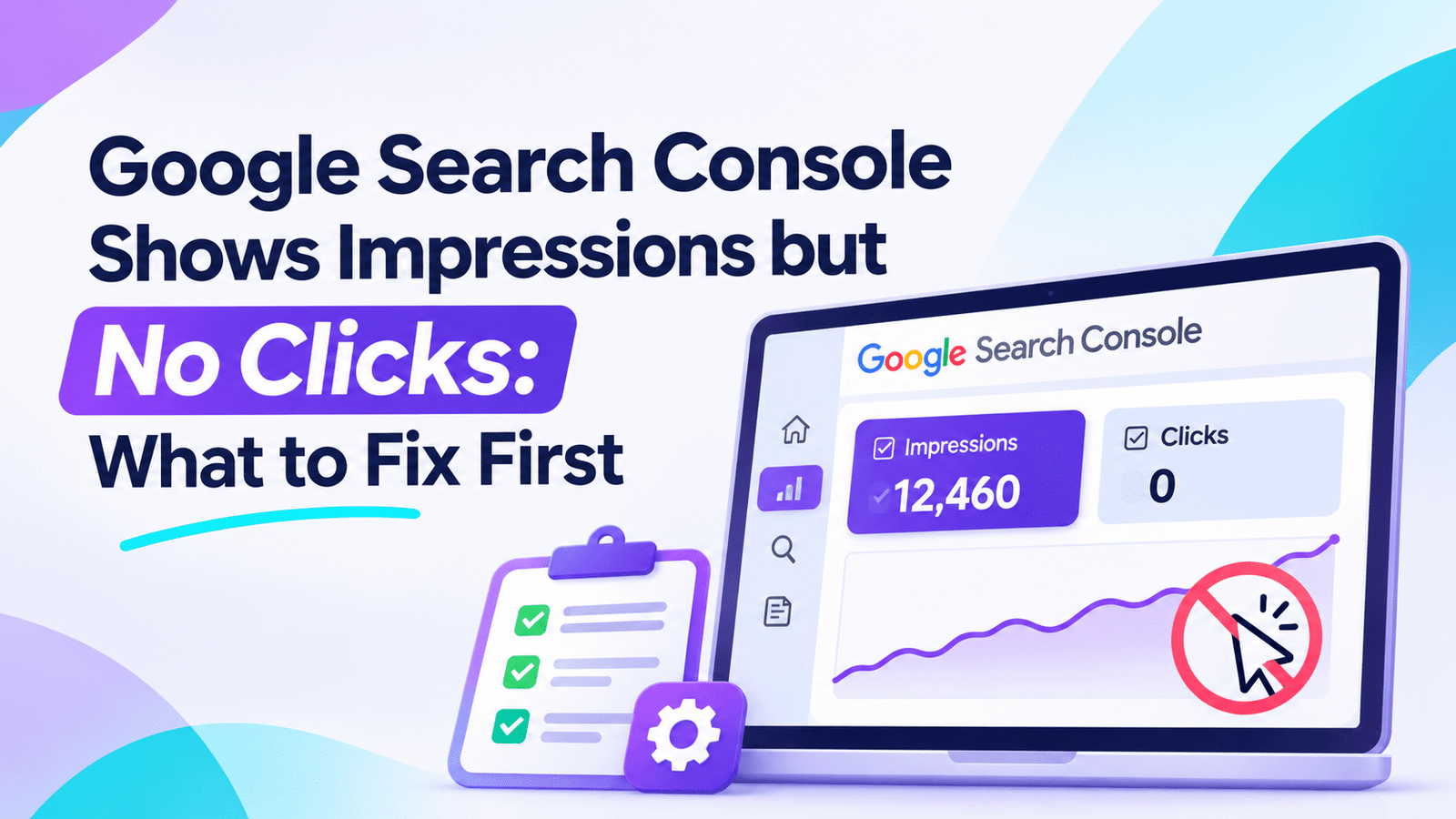
Google Search Console impressions but no clicks usually point to one of three problems: weak rankings, mismatched search intent, or an unappealing search snippet. Check the queries and average positions before rewriting titles. Pages ranking far down need stronger relevance; pages ranking prominently may need better snippets or a closer intent match. Start with one high-impression page, make one targeted change, and measure.
📌 In This Guide
⚖️ Quick Verdict
When you see Google Search Console impressions but no clicks, the first step is to identify whether your problem is ranking, search intent, or search-result presentation.
For small websites, improving a handful of promising pages is often more practical than rewriting an entire blog or subscribing to expensive SEO software.
| Search Console Signal | Likely Explanation | First Action |
|---|---|---|
| Impressions with average position 20+ | Low ranking visibility | Improve relevance and supporting content |
| Impressions with position 11–20 | Page is close to stronger visibility | Identify content gaps and intent mismatches |
| Strong position but very low CTR | Unattractive result or SERP competition | Inspect title, snippet, and competing results |
| Impressions from irrelevant searches | Search intent mismatch | Clarify the page’s purpose |
| Clicks declining despite stable impressions | Possible ranking, demand, or SERP changes | Compare queries, dates, and devices |
Position ranges are diagnostic guidelines, not guaranteed performance thresholds.
I would use:
- Google Search Console’s free Performance report.
- A spreadsheet to prioritize existing pages.
- Manual Google search-result analysis.
- Small, measurable changes to one page at a time.
I would not use:
- Expensive SEO subscriptions for basic CTR troubleshooting.
- Mass-generated SEO titles.
- Artificial traffic or paid clicks to manipulate metrics.
- A complete website redesign before diagnosing the problem.
The takeaway: Don’t optimize every page. Find the page with the clearest opportunity to earn relevant clicks.
🔎 Why Search Console Shows Impressions but No Clicks
Imagine publishing a WordPress article about free SEO tools.
After several weeks, Google Search Console shows:
- 2,500 impressions
- 3 clicks
- 0.12% CTR
- Average position: 24
At first, impressions but no clicks look disappointing.
But the data tells you something useful: Google has displayed your content in search results, even though few users have visited it.
That is different from a page receiving no search visibility at all.
Understanding Impressions, Clicks, and CTR
Google Search Console measures several important search-performance metrics.
| Metric | Meaning |
|---|---|
| Impressions | How often your result was shown according to Google’s counting rules |
| Clicks | How often users clicked through to your site from Google Search |
| CTR | Percentage of impressions that produced clicks |
| Average position | Average position of your result across recorded impressions |
The formula for click-through rate is:
CTR = (Clicks ÷ Impressions) × 100
If your article receives 2,000 impressions and 10 clicks, its CTR is 0.5%.
But is that good or bad?
You cannot answer without considering the queries, position, and search-result layout.
A page appearing around position 25 will typically attract fewer clicks than a comparable page near the top.
Five Common Reasons for Missing Clicks
- Low rankings: Your result appears too far down for many searchers to select it.
- Unclear titles: Competing results communicate more useful information.
- Wrong intent: Your content does not match the actual purpose of the search.
- Search features: AI Overviews, featured snippets, and other result types may change clicking behavior.
- Weak relevance: Your content does not answer the query as directly or completely as competing pages.
Sometimes several causes of impressions but no clicks occur together.
That is why fixing impressions but no clicks starts with diagnosis, not guesswork.
📊 How to Diagnose the Problem in Google Search Console
You can investigate Google Search Console impressions but no clicks without purchasing an SEO tool.
Step 1: Open the Search Performance Report
Sign in to Google Search Console and select your website.
Navigate to:
Performance → Search results
Configure the report:
- Search type: Web
- Date range: Last 3 months
- Enable Total clicks
- Enable Total impressions
- Enable Average CTR
- Enable Average position
Three months is a practical starting period for a small website with limited data.
You can shorten or extend the period depending on how much search activity your site receives.
Step 2: Find Pages With Meaningful Impressions
Select the Pages tab.
Sort your pages by impressions.
Look for URLs with meaningful impressions but no clicks, or very few.
For example:
| Page | Impressions | Clicks | Average Position |
|---|---|---|---|
| Free WordPress SEO Checklist | 2,400 | 4 | 18.5 |
| Best Budget SEO Tools | 1,300 | 2 | 7.2 |
| SEO Audit for Beginners | 800 | 0 | 31.4 |
These figures are hypothetical and illustrate how to interpret the report.
Which page should you improve first?
Not necessarily the one with the most impressions.
The budget SEO tools article deserves investigation because it has a relatively strong average position but receives very few clicks.
However, you must examine its individual queries before deciding that the title is the problem.
Step 3: Inspect the Exact Search Queries
Select a page and open the Queries tab.
You might find this:
| Search Query | Impressions | Avg. Position |
|---|---|---|
| best free SEO tools for bloggers | 800 | 5.4 |
| affordable SEO tools | 350 | 9.8 |
| enterprise SEO platform | 150 | 38.2 |
Now the problem becomes clearer.
The page already has some visibility for useful searches, but it also receives impressions from queries that may not match its intended audience.
Concentrate on the relevant queries first.
Important: Search Console does not expose every individual query because some query data is filtered for privacy and other reporting reasons.
Step 4: Check Countries and Devices
Use the Countries and Devices tabs.
Consider whether the result behaves differently across:
- Mobile and desktop searches.
- Your primary target country and other markets.
- Branded and non-branded queries.
For example, a title that is easy to understand on desktop might be truncated differently on mobile.
You might also discover that most impressions come from countries you are not actively targeting.
This can change how you interpret the overall CTR.
Step 5: Compare Performance Over Time
Use the Date filter to compare two equivalent periods.
Examine:
- Changes in clicks.
- Changes in impressions.
- Changes in average position.
- Newly appearing search queries.
- Device and country differences.
If impressions rise while clicks remain unchanged, your website may simply be appearing for more lower-ranking queries.
If clicks fall while impressions remain relatively stable, examine whether rankings, search intent, or search-result features have changed.
Avoid assuming that every decline is caused by a Google algorithm update.
🛠️ Seven Fixes That Actually Matter
Once you understand why you have Google Search Console impressions but no clicks, choose the appropriate improvement.
1. Improve Pages Ranking Too Low
If your article’s relevant queries consistently average around positions 20–40, changing the meta description is unlikely to solve its main problem.
The page may need stronger relevance, more complete answers, or better support from related content.
Start by comparing your article with the pages ranking above it.
Ask:
- Does my page answer the exact question?
- Is important information missing?
- Are examples current and useful?
- Is the explanation clear enough for beginners?
- Can I add original observations or a practical demonstration?
Avoid adding hundreds of words simply to make the article longer.
Instead, make the content more helpful.
A structured content audit can identify weaknesses. Our guide on How to Audit SEO Content with AI explains how to combine Search Console information with other signals before deciding what to update.
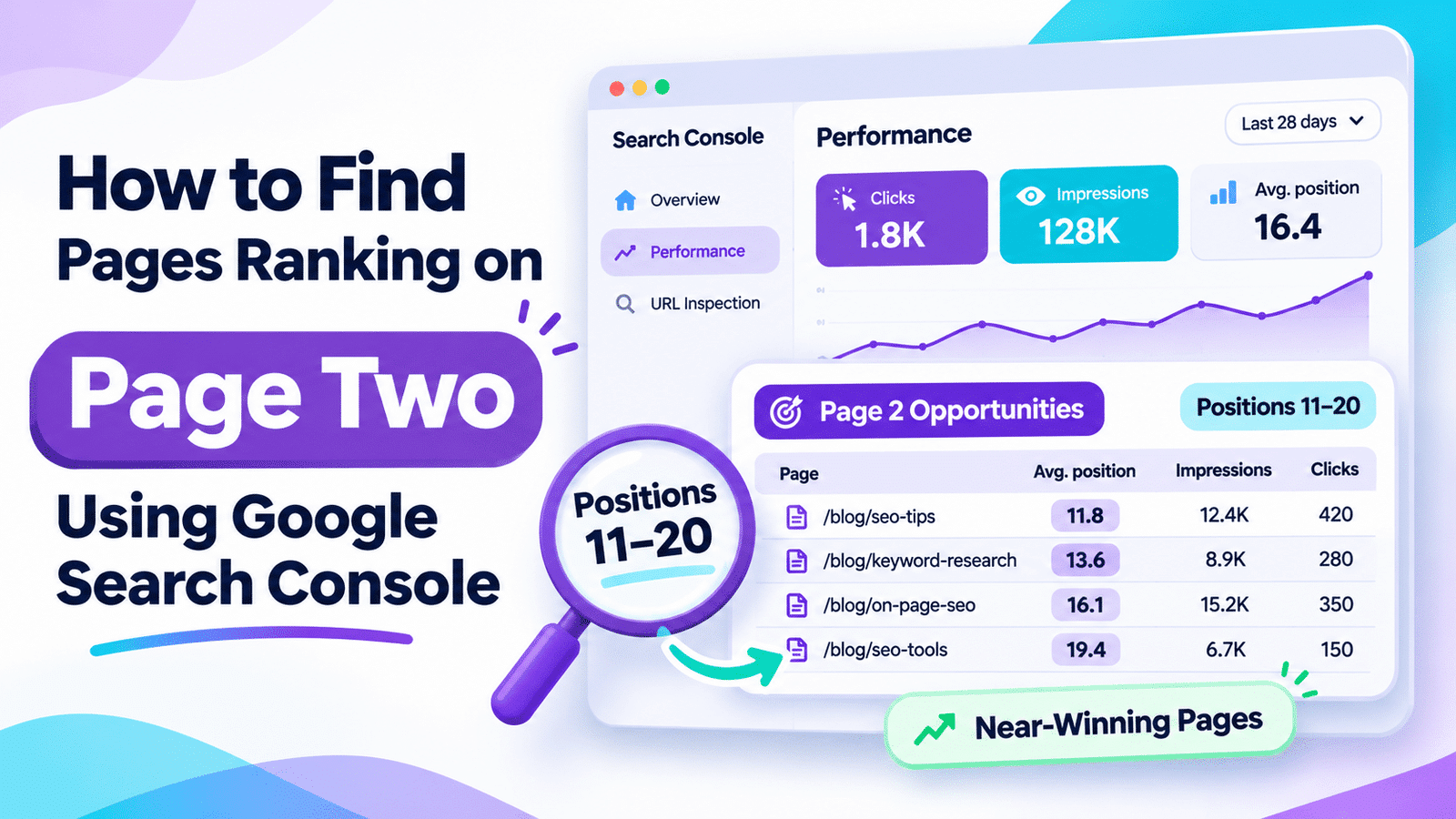
2. Strengthen Articles Ranking Around Positions 11–20
A page appearing near the first page of search results may already have some topical relevance.
However, moving it higher requires more than changing a few headings.
Review the specific queries producing impressions.
Then compare your content with higher-ranking pages.
Look for missing elements such as:
- Clear step-by-step instructions.
- Answers to important follow-up questions.
- Useful screenshots.
- Relevant tables and examples.
- Better explanations of common problems.
- Supporting internal links.
For example, an article about WordPress SEO audits may mention indexing without explaining how to inspect a specific URL in Search Console.
Adding that practical explanation could make the page more useful.
Do not assume that reaching position 10 automatically means substantial traffic. Actual click opportunities depend on the query and search results.
3. Rewrite Weak SEO Titles
If a page already appears prominently for relevant queries but receives unusually few clicks, inspect its displayed title.
Compare these examples.
Weak title:
SEO Tips for Your Website
More specific title:
Free WordPress SEO Checklist for Small Websites
The second title identifies:
- The platform.
- The intended audience.
- The practical outcome.
- The fact that the resource is free.
These details may make the result more relevant to the right reader.
But the page must actually deliver the promised checklist.
Avoid clickbait such as:
“Double Your Google Traffic Overnight!”
Unrealistic promises can undermine credibility.
Also remember that Google may generate its own title link using the page title, headings, and other available information.
A title tag is a strong signal, not a guaranteed display instruction.
4. Make Your Meta Description More Useful
Meta descriptions help explain what visitors can expect from a page.
Consider this example:
Generic description:
Discover SEO tips, strategies, and information that can help improve your website.
Improved description:
Use this free WordPress SEO checklist to inspect indexing, titles, internal links, and search performance before paying for an SEO audit.
The second description is more specific.
It tells the reader what the page offers and who might benefit.
However, Google may replace your description with content extracted from the page when that content better fits the search query.
If you need help writing more specific descriptions, read How to Write Better Meta Descriptions with AI.
For larger content libraries, our comparison of Best AI Tools Tested for Meta Titles and Descriptions explores tools that can support this work.
For a small blog, manual editing is often enough.
5. Fix Search Intent Mismatches
Search intent explains what someone is trying to accomplish.
Consider these searches:
| Keyword | Likely Search Intent |
|---|---|
| why is my blog not getting clicks | Troubleshooting |
| how to improve organic CTR | Instructional |
| free SEO audit checklist | Practical resource |
| best SEO tools under $30 | Commercial comparison |
Each query deserves a different answer.
A person searching for a free SEO checklist probably does not want to read a long sales pitch for an expensive SEO platform.
Similarly, someone comparing two paid tools may need pricing, limitations, and a clear recommendation rather than a general explanation of SEO.
Match your content to the searcher’s actual problem.
For small websites, this is especially important because every qualified visitor matters.
6. Investigate AI Overviews and Search-Result Features
Google Search results can include:
- AI Overviews.
- Featured snippets.
- Videos.
- Image results.
- Shopping results.
- Other specialized search features.
These elements affect how users encounter information and decide whether to visit another website.
For example, a search asking for a simple definition may receive a direct answer in the search results.
The user may not need to open a separate page.
That does not mean informational articles are useless.
It means publishers should provide a reason to visit beyond a basic definition.
Useful additions include:
- Original examples.
- Troubleshooting workflows.
- Screenshots demonstrating the process.
- Specific comparisons.
- Downloadable checklists.
- Detailed explanations that answer related questions.
For AI search, write clear, self-contained answers and organize information so the topic is easy to understand.
Do not assume that special markup or keyword repetition guarantees AI citations.
Search Console includes performance associated with eligible Google AI search experiences under its standard reporting rules, but its ordinary CTR report does not establish whether a particular AI Overview caused lost clicks.
To understand the wider measurement challenge, see How to Track AI Visibility: A Practical Guide to Measuring Mentions, Citation Share, and AI Search Presence.
7. Check Indexing, Canonicals, and Technical Issues
If a page has received Search Console impressions, Google has displayed a result associated with that URL at some point during the reporting period.
However, this does not prove that the URL is currently indexed in the way you expect.
Open URL Inspection and check:
- Current index status.
- Google-selected canonical URL.
- Unexpected redirects.
- Accidental noindex directives.
- Access to important page content.
- Whether the indexed version is the intended page.
Canonicalization is particularly important because Google can attribute search-performance data to the canonical URL it selects.
Also inspect whether two pages on your site answer nearly identical search questions.
If they compete for the same intent, improving their distinction or consolidating overlapping material may be more useful than producing another similar article.
Never delete an old page solely because it has zero clicks. Check backlinks, conversions, internal-link value, and content usefulness first.
🎯 Which Pages Should You Fix First?
When several pages show impressions but no clicks and time is limited, page prioritization becomes essential.
A blog with 20 articles does not need an enterprise SEO workflow.
It needs a short list of realistic improvements.
Use a Three-Level Priority System
| Priority | Page Characteristics | What to Do |
|---|---|---|
| High | Relevant impressions, promising rankings, clear weakness | Optimize first |
| Medium | Relevant impressions, weaker rankings, improvable content | Update after high-priority pages |
| Low | Minimal data, irrelevant queries, or no identifiable issue | Monitor or reassess |
Start with just three pages.
Choose one page with weak CTR despite relatively strong rankings, one page ranking around positions 11–20, and one page that is losing clicks.
This gives you three different problems to investigate.
Don’t Chase CTR Alone
A higher CTR is useful only when it attracts the right visitors.
Suppose your article promotes a $20-per-month SEO solution for beginners.
A title promising an entirely free solution may attract additional clicks.
But if the page does not actually provide a free option, those visitors may leave disappointed.
Your title should describe the page accurately.
Qualified traffic matters more than an impressive CTR percentage.
🧪 Real Case Study: Does Better Snippet Messaging Increase Traffic?
A real SEO experiment published by SearchPilot on April 10, 2026, examined whether promotional messaging in meta descriptions could improve organic performance.
The test involved flight-related pages in two different markets: India and the United Kingdom.
The Hypothesis
Adding a clear promotional message to search snippets might encourage more users to visit the pages.
What Was Tested?
SearchPilot added the phrase “Save 30%” to selected meta descriptions.
The change was tested separately in both markets.
Results
| Market | Reported Result |
|---|---|
| India | +21.2% organic sessions, statistically significant |
| United Kingdom | Inconclusive |
These results measured organic sessions, not a directly reported 21.2% CTR increase.
The same type of change did not produce the same measurable outcome in both markets.
External Source: SearchPilot — Does Adding “Save 30%” Messaging to Meta Descriptions Improve Organic Traffic?
What Can Small Website Owners Learn?
Specific, relevant messaging can affect organic search performance.
But the effect is not universal.
For one audience, price savings may be persuasive.
For another, the ability to solve a problem without buying software might matter more.
The useful principle is to communicate a genuine benefit and then measure what happens.
Do not copy promotional wording into a title or description unless the page really delivers that promise.
⏱️ Your 30-Minute SEO Action Plan
Here is a practical workflow for fixing Google Search Console impressions but no clicks on a small website.
| Time | Action | Outcome |
|---|---|---|
| 0–5 min | Open Search Console Performance | Understand baseline metrics |
| 5–10 min | Identify pages with useful impressions | Create a shortlist |
| 10–15 min | Inspect queries and positions | Identify the likely problem |
| 15–20 min | Review competing search results | Evaluate intent and snippets |
| 20–25 min | Make one targeted improvement | Improve the selected page |
| 25–30 min | Record the change | Establish a measurement baseline |
The 30-minute plan is intended for one focused investigation, not a complete website audit.
Build a Simple SEO Tracking Sheet
Use Google Sheets or another free spreadsheet.
Include these columns:
| Field | Example |
|---|---|
| Page | /wordpress-seo-checklist/ |
| Main Query | free WordPress SEO checklist |
| Impressions | 1,500 |
| Clicks | 4 |
| CTR | 0.27% |
| Average Position | 12.5 |
| Problem | Missing practical audit steps |
| Action | Add step-by-step instructions |
| Change Date | Record the actual update date |
The values are illustrative.
After making the change, allow time for Google to process it and collect additional search data.
Compare equivalent periods, ideally using the same query, country, and device filters.
Small websites often have limited data, so avoid declaring success after one or two additional clicks.
If you regularly audit multiple pages, Best AI Tools Tested for Content Audits explains the differences between content-audit approaches.
However, you do not need to buy software to complete this initial workflow.
⚠️ Common Mistakes to Avoid
1. Changing Every Page’s Title at Once
Mass changes make it harder to understand what fixed your impressions but no clicks problem.
Start with a small number of pages and keep a change log.
2. Treating Average Position as a Fixed Ranking
Average position varies across queries and search contexts.
A page averaging position 8 does not necessarily appear eighth for every relevant search.
3. Comparing CTR Across Unrelated Queries
A branded search and a general informational query can produce very different clicking behavior.
Evaluate similar searches rather than forcing every page to meet the same percentage.
4. Rewriting Articles Without Understanding Intent
Adding more text does not solve a mismatch between what the user wants and what your page provides.
5. Assuming Zero Clicks Means a Page Is Useless
A page with impressions but no clicks may still support internal navigation, attract backlinks, help visitors arriving from other sources, or contribute to conversions.
6. Blaming Every Decline on AI Overviews
Changes in rankings, demand, competition, and search appearance can all affect clicks.
Investigate before drawing conclusions.
7. Expecting Immediate Results
Google may need time to recrawl and reprocess updated content.
Search performance also fluctuates naturally.
Avoid making repeated changes before gathering enough evidence.
❓ Frequently Asked Questions
1. Why Does Google Search Console Show Impressions but Zero Clicks?
Google Search Console impressions but no clicks usually mean your page appears too low in search results, attracts irrelevant queries, or competes with results that satisfy the searcher’s needs more effectively. Start by checking individual queries and average positions rather than rewriting titles immediately.
2. Is It Normal to Have Impressions but No Clicks?
Yes. Google Search Console impressions but no clicks are common, especially for new or lower-ranking pages. Impressions show that a result has appeared in search, but they do not guarantee visits. Focus on relevant visibility and performance trends rather than interpreting zero clicks as an automatic SEO failure.
3. What Is a Good CTR in Google Search Console?
There is no universal good CTR. Performance varies by ranking position, search intent, query, device, market, and search-result features. Compare similar queries and equivalent periods to identify meaningful opportunities.
4. How Can I Improve Organic CTR for Free?
Use Google Search Console to find pages with relevant impressions and promising rankings. Inspect the displayed search results, improve unclear titles, ensure the page answers the query, and use accurate meta descriptions. Monitor the results afterward.
5. Can AI Overviews Reduce Website Clicks?
AI Overviews can change how people interact with Google Search and may allow some users to find information without visiting another website. However, low CTR alone does not prove that an AI Overview caused the problem.
6. Why Is My Average Position Good but My CTR Low?
Your average may combine different queries, devices, and locations. The displayed title or snippet may also be less compelling than competing results, or a search feature may satisfy the user’s need. Inspect query-level performance before changing the page.
7. Should I Delete Articles That Have Zero Clicks?
No. Zero clicks alone is not enough reason to delete content. Evaluate impressions, relevance, backlinks, conversions, internal links, and whether the article still serves a useful purpose.
8. How Long Should I Wait After Updating an SEO Title?
Google may take days or weeks to recrawl and reprocess title changes. The amount of search data needed to evaluate the effect also varies. Monitor performance over comparable periods without expecting immediate improvements.
🏁 Final Verdict
Google Search Console impressions but no clicks is a problem worth investigating, but not every page needs the same solution.
The best approach for a small website is to identify why the page is receiving impressions without attracting relevant visitors.
If your content ranks poorly, improve its usefulness and relevance.
If it already appears prominently, investigate search intent and how the result is presented.
If rankings or clicks change unexpectedly, compare Search Console data and check technical signals before making assumptions.
You do not need expensive SEO tools to take the first step.
Start with one page, one clearly identified problem, and one measurable improvement.
Open Google Search Console today, choose your most promising underperforming page, and record what you change.
That is a more useful way to fix impressions but no clicks than optimizing every article without understanding the data.

Comments 4