⚡ Quick Answer
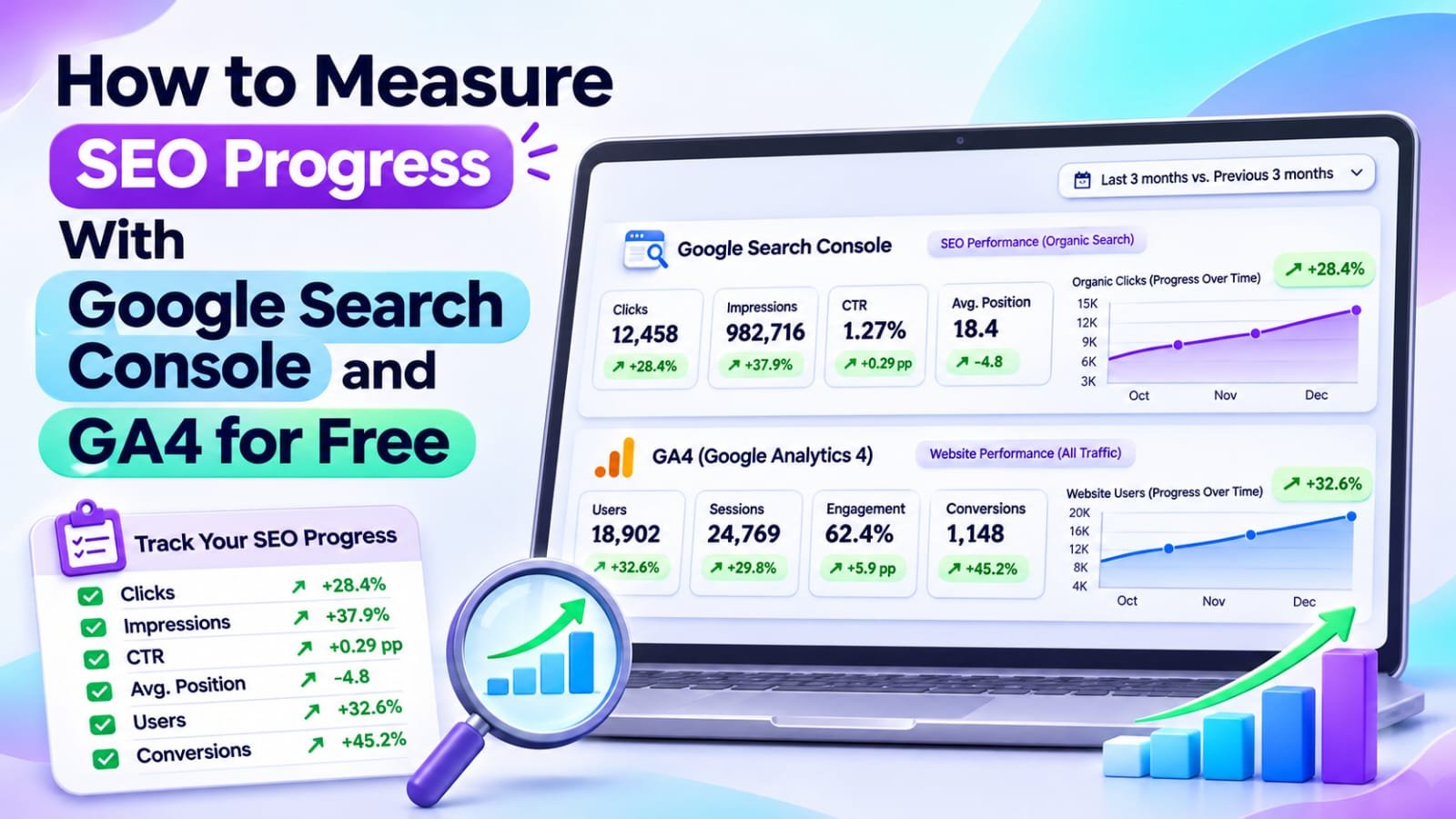
To measure SEO progress for free, use Google Search Console for impressions, clicks, CTR and queries, and GA4 for organic sessions, engagement and key events. Compare equal periods, track your important landing pages in a simple monthly scorecard, and judge trends, because Search Console clicks and GA4 sessions never match exactly.
In This Guide
- Quick Verdict
- What Search Console and GA4 Measure Differently
- Set Up Reliable Tracking
- Find Your SEO Visibility Metrics in Search Console
- Measure Organic Visits and Outcomes in GA4
- Connect Search Console to GA4 for Free
- Build a Simple SEO Progress Scorecard
- Turn Metrics Into Decisions
- Real Case Study
- A Weekly and Monthly Reporting Routine
- Common Mistakes to Avoid
- Frequently Asked Questions
- Final Verdict
- Recommended Next Reads
Quick Verdict
For a small website, useful SEO reporting answers three questions: Are the right people discovering us? Are they visiting? Are those visits accomplishing something valuable?
| Question | Best Starting Measure | Tool |
|---|---|---|
| Are relevant searches showing our pages? | Query and page impressions | Search Console |
| Are people choosing our results? | Clicks and CTR by query | Search Console |
| Are search visitors arriving and engaging? | Organic sessions and engagement rate | GA4 |
| Are visitors taking useful actions? | Key events and session key event rate | GA4 |
| Which pages need work? | Page trends alongside landing-page outcomes | Both |
I would use: Search Console, GA4, Google Sheets, and one monthly change log.
I would not use: a single sitewide ranking number, fake conversion goals, or an expensive dashboard before checking basic tracking.
What Search Console and GA4 Measure Differently
Search Console measures what happens in Google Search: which results appear, which queries generate impressions, and how often searchers click. Its average position describes recorded search appearances, not a permanent ranking.
GA4 measures behavior on your website after its tracking code runs. It records sessions, engagement, events, and revenue when the appropriate measurement is implemented.
These tools do not count the same thing. A Google click might not produce a measured GA4 session because the page fails to load, analytics is blocked, consent is withheld, or the visitor leaves before tracking executes. Session and attribution rules also differ.
GA4’s Organic Search channel can include several search engines, while Search Console reports Google’s search activity. In GA4, choose Session source / medium = google / organic for a closer comparison, while recognizing that even these totals will differ.
Large differences deserve an implementation review.
Set Up Reliable Tracking Before Making Decisions
First, verify that Search Console covers the correct website property and that its Performance report contains data for the pages you expect.
Next, confirm that your GA4 web data stream uses the correct site and that the Google tag fires on real public pages. If your WordPress site uses a tag-management or analytics plugin, avoid installing a second copy of the same tracking code. Duplicate tagging can distort reports.
Use GA4 Realtime to check implementation and test important events separately.
Record the reporting timezone and tracking changes that could distort comparisons.
Find Your SEO Visibility Metrics in Search Console
Open Performance > Search results, choose Web, and select a complete date range, such as the last 28 days. Enable clicks, impressions, CTR, and average position.
Review Pages to identify your important URLs. Select one page, then open Queries to find the search phrases associated with it.
Prioritize relevant clicks and impressions. Rising impressions may only reflect new low-position queries.
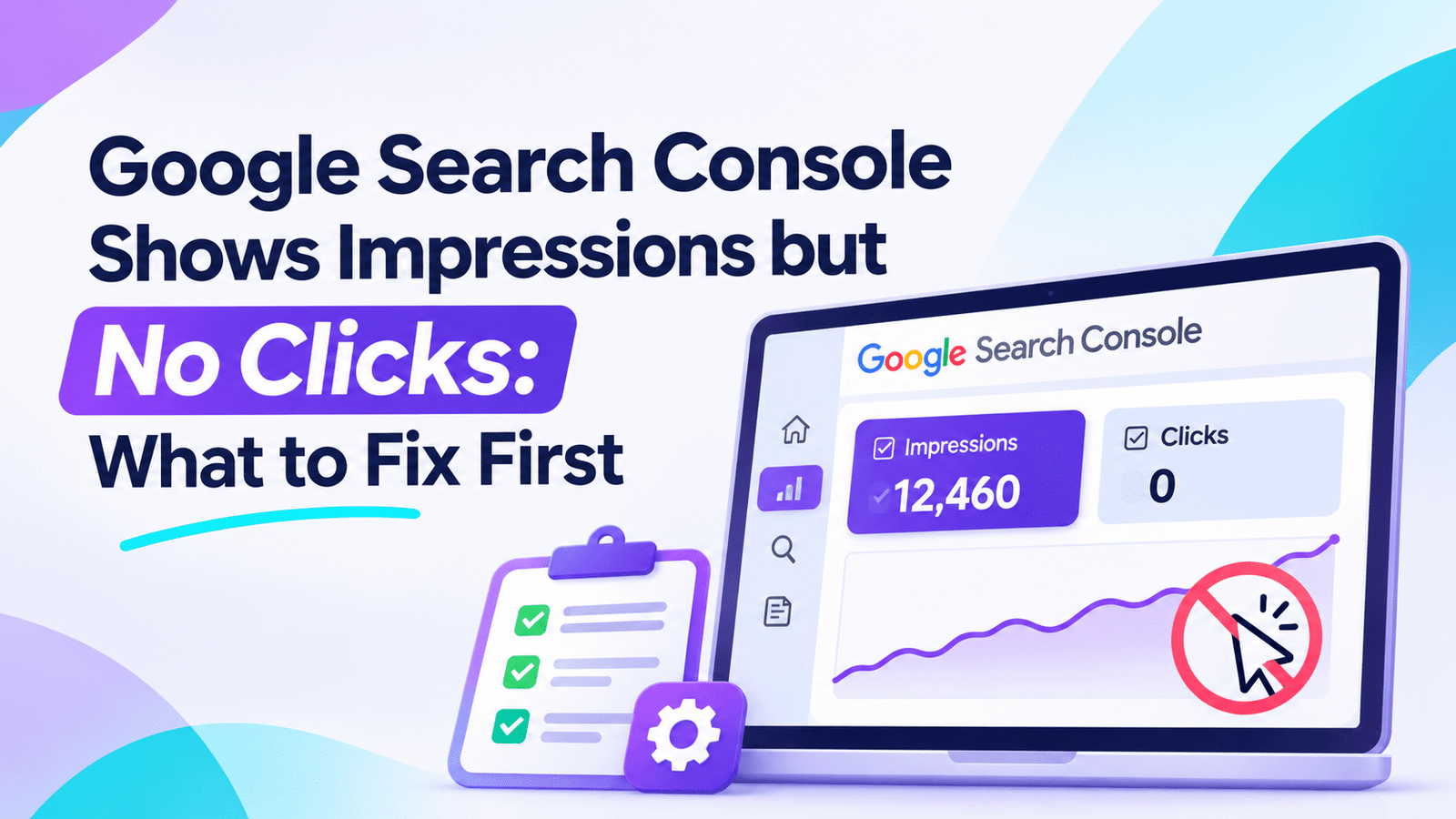
If you need to investigate a specific page with high impressions but low clicks, use Google Search Console Shows Impressions but No Clicks: What to Fix First rather than changing all your titles.
Some queries are anonymized; compare complete periods.
Measure Organic Visits and Outcomes in GA4
In GA4, open Reports > Acquisition > Traffic acquisition. The default dimension is generally a session-level channel grouping. Find Organic Search, or switch to Session source / medium and look for google / organic to focus on Google-originating organic sessions.
Review:
- Sessions: Visits attributed to the selected session source or channel.
- Engaged sessions: Sessions that meet GA4’s engagement criteria.
- Engagement rate: Engaged sessions divided by sessions.
- Key events: Tracked actions you explicitly mark as important.
- Session key event rate: The share of sessions with at least one key event.
An engaged session lasts at least ten seconds, contains a key event, or has at least two page or screen views. Engagement is not a direct ranking signal.
Filter a landing-page report to organic traffic to examine which entry pages produce useful actions. Judge tutorials and comparisons by their different goals.
Connect Search Console to GA4 for Free
Linking the two products is optional but convenient. In GA4, go to Admin > Product links > Search Console Links, select Link, choose your verified Search Console property, and associate the correct web data stream. You need appropriate permissions, including GA4 Editor access and verified Search Console ownership.
The integration provides Google Organic Search Queries and Google Organic Search Traffic reports. Its Search Console report collection is not necessarily visible by default; an authorized editor can publish it from the Reports Library.
These reports cannot combine every GA4 dimension with individual queries. Search Console history is limited to 16 months; linked data typically has a 48-hour delay.
Without integration, export the reports separately into Google Sheets.
Track Actions That Matter to Your Website
Organic traffic is useful only in relation to a goal. For a small blog, that might be newsletter signups, qualified contact requests, or visits to a genuinely relevant affiliate comparison.
In GA4, define or identify the event representing an important completed action, then mark it as a key event under Admin > Data display > Events. Test that it fires once when the intended action occurs. Do not label ordinary page views as conversions just to make reports look successful.
For affiliate sites, outbound clicks are not sales. Confirm commissions using partner reports.
Start with one or two meaningful actions.
Build a Simple SEO Progress Scorecard
Create a Google Sheet with one row per reporting period. Start with six measures: Google impressions, Google clicks, CTR, Google organic sessions, engagement rate, and key events from that organic segment.
| Metric | Previous 28 Days | Latest 28 Days |
|---|---|---|
| Google Search impressions | 9,000 | 11,000 |
| Google Search clicks | 90 | 110 |
| Search CTR | 1.0% | 1.0% |
| GA4 google / organic sessions | 75 | 92 |
| Engagement rate | 61% | 64% |
| Key events from organic sessions | 4 | 7 |
All values are hypothetical; they are not Searchmora results.
For changes, use (Current − Previous) ÷ Previous × 100 where the previous value is nonzero. Record the date, edited URLs, and any analytics changes in a separate notes column.
Keep page-specific observations in a second tab.
Turn Metrics Into Decisions
Different patterns need different responses.
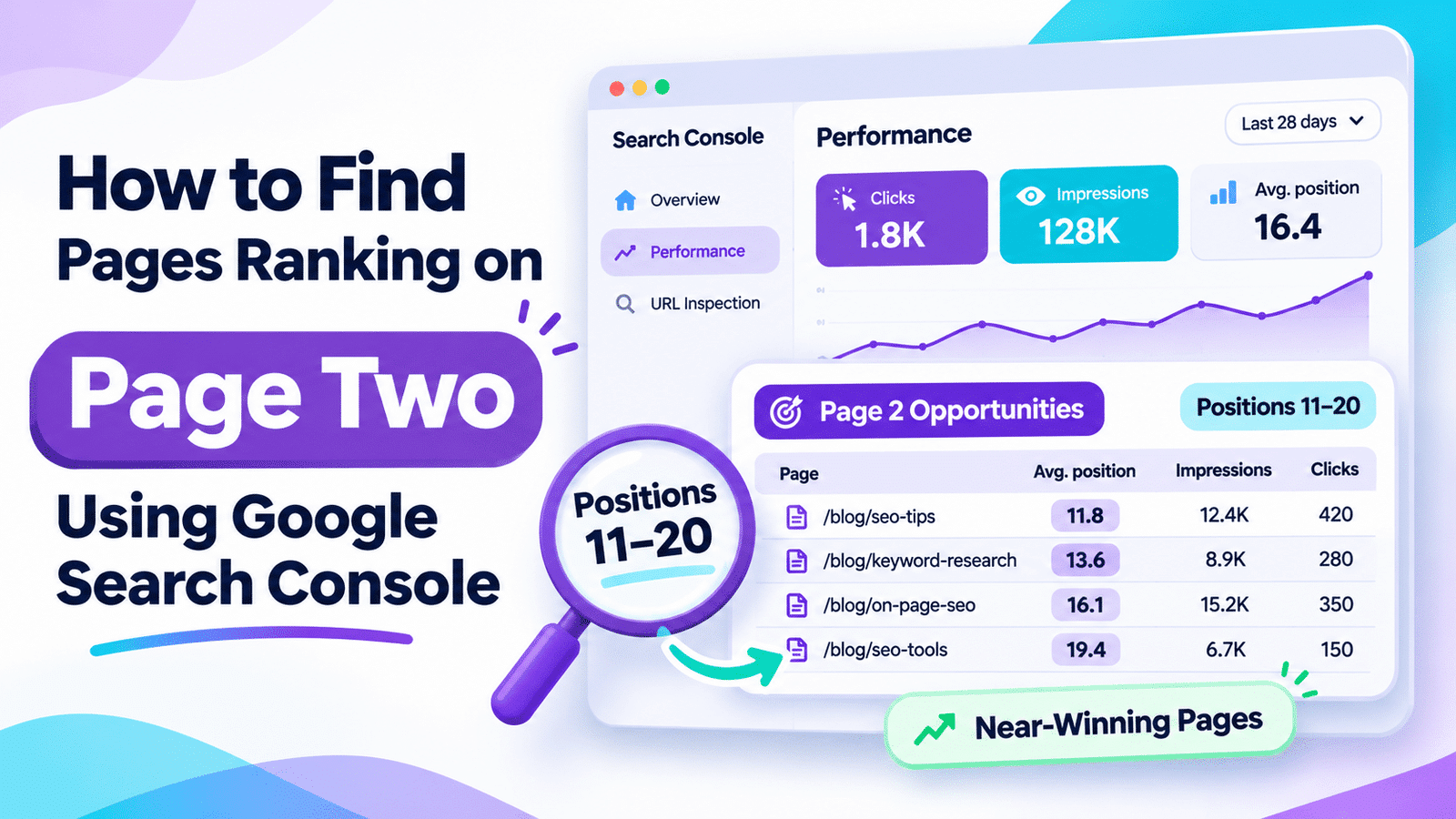
Impressions rise, clicks stay flat: Inspect new queries, CTR, and positions before assuming progress. For pages ranking near positions 11–20, the page-two rankings guide explains how to investigate a possible improvement opportunity.
Clicks rise, engagement falls: Check whether new queries attract the wrong audience, whether a landing page has usability problems, and whether GA4 tagging changed.
Sessions grow, key events do not: Review the reader journey, conversion setup, and relevance of calls to action before creating more content.
Clicks and sessions both fall: Investigate affected pages, seasonal demand, indexing, and recent website changes. For a broader editorial review, see How to Audit SEO Content with AI.
Real Case Study
UK agency IINES published a case study of an anonymized regulated service company, reporting both Search Console and GA4 measures. It reported Google Search clicks increasing from 155 in May 2026 to 257 in September 2026 after a program that included technical fixes, redesigned pages, and content work.
Its GA4 summary for October 5, 2025 to October 4, 2026 recorded 3,135 organic-search sessions, representing 24.3% of 12,917 sessions, while organic search accounted for 104 of 123 recorded key events.
The periods differ; do not combine them into one comparison. Event types were undisclosed and figures self-reported. No verified revenue was published.
The lesson: traffic share and outcome share differ. Track valuable actions alongside clicks rather than calling impressions revenue.
External source: IINES — Case Study: Regulated UK Service Company
A Weekly and Monthly Reporting Routine
Weekly: Check tracking and review unusual page-level changes.
Monthly: Compare complete periods, update the scorecard, and select three page-level priorities. Account for seasonality and tracking changes.
Quarterly: Review goals and meaningful outcomes.
A rise from one to two signups is 100%, but the sample is tiny.
Common Mistakes to Avoid
- Expecting Search Console clicks to equal GA4 sessions. Their measurement and attribution differ.
- Mixing all Organic Search engines with Google-only clicks. Compare like with like when diagnosing trends.
- Using rankings as the only success metric. Relevant clicks and useful actions matter more.
- Counting every outbound click as affiliate revenue. Confirm actual sales separately.
- Comparing incomplete or unequal periods. Use consistent dates and filters.
- Changing tracking mid-period without documenting it. Apparent growth may be measurement change.
- Claiming causation from before-and-after charts. Competition and search demand also change.
Frequently Asked Questions
Can I measure SEO progress without paying for software?
Yes. Google Search Console, GA4, and Google Sheets cover visibility, on-site behavior, and basic outcome reporting. You need correct tracking and consistent interpretation, not an expensive dashboard.
Why are Search Console clicks higher than GA4 organic sessions?
The systems count different events. Tracking blockers, consent, page-load failures, session rules, redirects, and attribution can all contribute to differences. Compare trends and investigate unusually large gaps.
Which GA4 report shows organic traffic?
Use Reports > Acquisition > Traffic acquisition. Review Organic Search for all search engines or Session source / medium = google / organic when you want a closer comparison with Google Search Console.
What are the best SEO KPIs for a small blog?
Track relevant Google clicks, useful landing-page visibility, organic sessions, and one or two meaningful key events.
Should I connect Search Console to GA4?
It is helpful but optional. The link offers organic query and landing-page reports inside GA4, though some dimensions are incompatible and historical data is limited. Separate exports are sufficient for a basic scorecard.
How often should I evaluate SEO results?
Weekly checks catch tracking problems, but monthly comparisons provide more useful direction for many small sites. Use longer periods when the sample is small or demand is seasonal.
Final Verdict
Search Console tells you whether Google is showing and sending visitors to your pages. GA4 helps explain what those visitors do after arriving. Neither alone proves profit.
Combine search visibility, organic visits, and correctly tracked key events into a short monthly scorecard. Investigate the pages behind each trend and make only changes supported by evidence.
Your next action: Export your last two complete 28-day periods, choose one meaningful key event, and build a six-metric scorecard before buying any SEO reporting tool.
Comments