⚡ Quick Answer
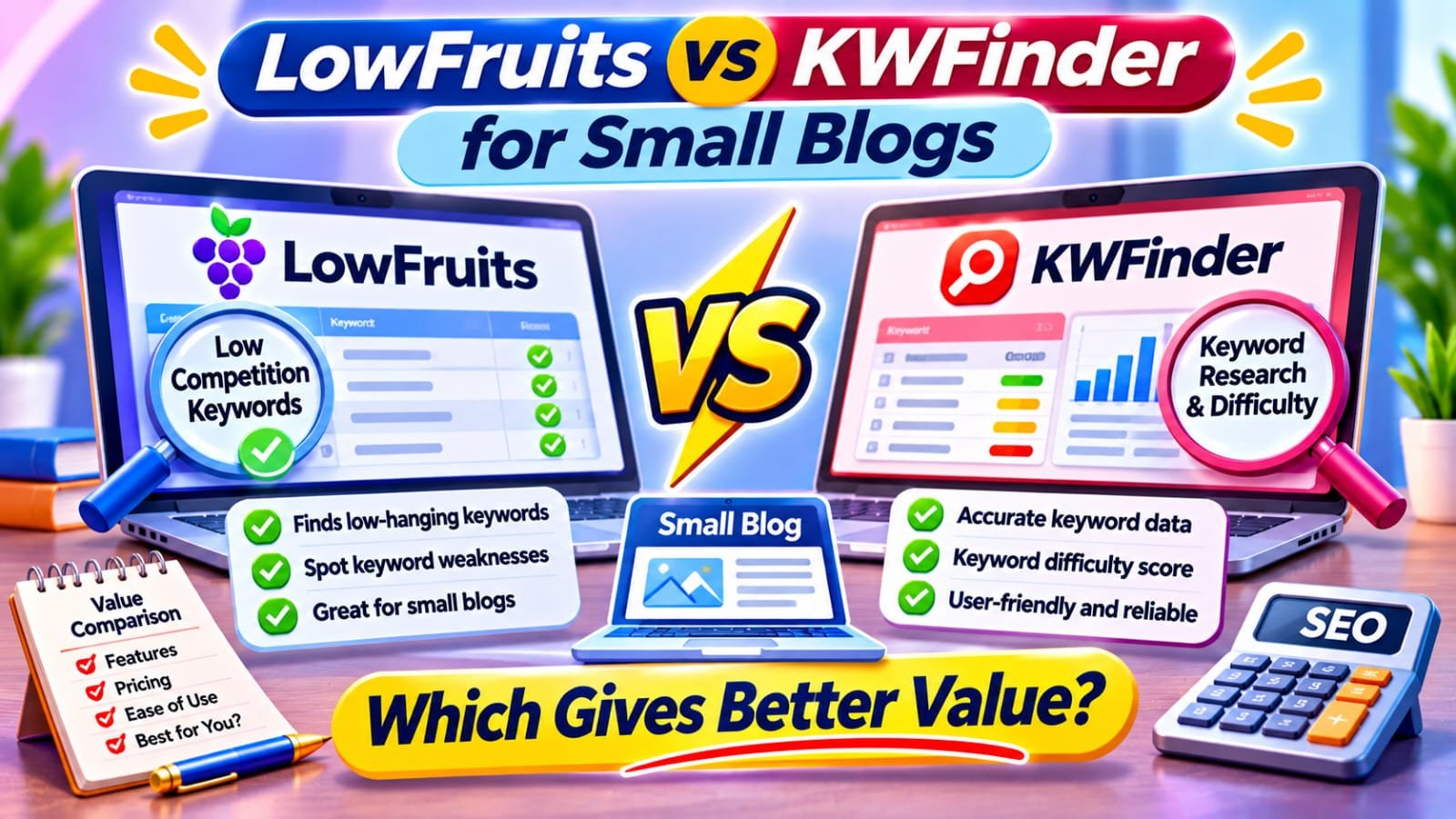
LowFruits gives better value than KWFinder for most small blogs that research long-tail keywords now and then: $25 buys 2,000 pay-as-you-go credits with no subscription. KWFinder by Mangools is better for regular research plus rank tracking, with Basic at $37.70 a month billed yearly (November 2026).
In This Guide
- Quick Verdict
- What LowFruits and KWFinder Actually Do
- Pricing and Free Access Compared
- Keyword Discovery and Difficulty Signals
- Search Intent, Local Research, and Competitors
- A Realistic Small-Blog Buying Scenario
- Which Tool Should You Choose?
- Real-World Case Study
- A Seven-Day Evaluation Workflow
- Common Mistakes
- Frequently Asked Questions
- Final Verdict
- Recommended Next Reads
Quick Verdict
| Decision Factor | LowFruits | KWFinder by Mangools |
|---|---|---|
| Main strength | Bulk SERP analysis and weak-spot discovery | Broad keyword metrics and an integrated SEO toolkit |
| Cheapest relevant paid access | $25 for 2,000 PAYG credits | Basic plan: $61 month-to-month on the current bundled pricing page |
| Annual equivalent | Standard: $20.75/month, billed yearly | Basic: $37.70/month, billed yearly ($452.40 upfront) |
| Free access | Three keyword-finder searches every seven days | Five keyword and five SERP lookups daily on Free |
| Best fit | Occasional long-tail research | Frequent research plus ongoing tracking |
| Main caution | Credits expire; weak spots can mislead | Recurring cost and daily usage limits |
My choice for a 20-post blog: Start free, then choose LowFruits PAYG when specific research is needed. Choose paid Mangools when you will consistently use several of its tools.
What LowFruits and KWFinder Actually Do
LowFruits is designed to uncover potentially achievable queries through bulk analysis of Google’s search results. Its weak-spot approach highlights lower-authority sites and other signs that an existing result may not completely satisfy the query. It also provides keyword suggestions, clustering-related workflows, and additional features on subscription plans.
KWFinder is the keyword research application inside Mangools. It presents search-volume estimates, keyword difficulty, trends, related queries, and localized search results.
One naming trap matters: LowFruits has a feature called Keyword Finder, sometimes abbreviated KWFinder in its own documentation. That is not Mangools’ separate KWFinder product.
If your existing pages already receive useful impressions, begin with how to find pages ranking on page two in Search Console before adding more topics.
Pricing and Free Access Compared
LowFruits: Pay for Occasional Research
LowFruits advertises 2,000 pay-as-you-go credits for $25. These credits remain valid for one year after purchase. Beyond three free keyword-finder searches every seven days, additional searches use credits; extracting one keyword’s search results also costs one credit. Do not assume that 2,000 credits means 2,000 complete research projects.
Its Standard subscription is advertised at $29.90 per month, with 3,000 monthly credits and benefits including a boosted keyword finder, competitor research, and tracking 100 keywords. The annual equivalent is $20.75 per month, billed upfront for the year. Subscription credits reset monthly rather than rolling over.
KWFinder: Pay for the Broader Mangools Bundle
The Mangools pricing page reviewed for November 2026 advertises Basic at $61 month-to-month or $37.70 per month when billed annually, totaling $452.40 upfront. Its current page emphasizes an SEO-plus-AI bundle; older or alternative listings may show different SEO-only rates. Check the exact plan selected at checkout instead of comparing mismatched bundles.
Basic includes 100 keyword lookups and 100 SERP lookups per 24 hours, up to 200 keyword suggestions per search, and tracking 200 keywords with weekly updates.
Mangools also offers a permanent Free plan with five keyword and five SERP lookups per 24 hours and up to 15 suggestions per search. New accounts begin with 10 days of Free+, which raises suggestion and some other limits without requiring a payment card.
Prices are in US dollars before any applicable taxes, and subscriptions or regional offers can change.
Keyword Discovery and Difficulty Signals
Where LowFruits Has an Advantage
The key advantage is rapidly inspecting numerous SERPs for potential openings. It identifies weaker domains and whether the existing pages target the query closely. For a newer niche publisher, this can be a useful shortlist generator.
However, a low-authority result is not inherently poor content. A forum can be exactly what searchers want, and a small site may have strong first-hand expertise. LowFruits’ difficulty signals are proprietary indicators, not Google ranking factors or reliable forecasts.
Use narrow seeds such as “wordpress sitemap missing post” instead of spending credits analyzing thousands of broad “SEO” variations. Review at least several actual top results before commissioning content.
Where KWFinder Has an Advantage
KWFinder offers a straightforward overview of estimated volume, location and language settings, keyword difficulty, and SERP context. Its difficulty score runs from zero to 100 and draws on ranking-page link profiles. It is useful for comparing a shortlist consistently, but it is still an estimate.
For a deeper explanation of intent-led selection, see Best AI Search Intent Tools.
Search Intent, Local Research, and Competitors
Before choosing a keyword, write down the reader’s problem and inspect the current results.
KWFinder’s explicit country and language selections are helpful for researching locally targeted topics. LowFruits also supports country-specific volume settings and SERP analysis, but compare its precise market settings before paying. Localized results can differ considerably from global averages.
Mangools includes domain-related keyword exploration and dedicated backlink and website-analysis tools. LowFruits reserves several competitor extraction and tracking features for subscriptions.
A Realistic Small-Blog Buying Scenario
Imagine a solo publisher maintaining 24 articles and planning six genuinely new posts over three months. The owner collects 80 potential queries from Search Console, autocomplete, and interviews with readers.
After grouping duplicates, 30 queries remain worth analyzing. LowFruits PAYG can support a concentrated SERP-review session for a $25 upfront purchase, with remaining credits available later during the one-year validity period. Its $25 price should not be mistaken for a monthly charge or a guarantee that every keyword checked is promising.
A $61 monthly Mangools Basic plan would cost $183 across three months if retained throughout, before tax. Annual Basic would require $452.40 upfront, even though its monthly equivalent is lower.
But imagine a different publisher researching dozens of clients’ keywords each week while tracking positions and inspecting backlinks. The Mangools bundle may save enough time to justify the price.
Which Tool Should You Choose?
Choose LowFruits PAYG when you publish a few articles monthly, already understand your audience, and chiefly need to inspect possible low-competition long-tail queries.
Choose LowFruits Standard when you repeatedly use its SERP analysis, boosted keyword discovery, competitor extraction, and rank tracking. Compare actual monthly credit consumption before subscribing.
Choose KWFinder and Mangools Basic when keyword research is a frequent task and you will use rank tracking, backlink data, and competitive reports together.
Choose neither yet when Search Console already offers a clear backlog of pages to improve. Our LowFruits review covers its specialized positioning, while How to Audit SEO Content with AI helps identify whether an existing article deserves work before a new keyword target.
Real-World Case Study: LowFruits and an Affiliate Content Site
LowFruits published a first-party case study following a barbecue-focused content website. By the ninth-month update in 2022, its operator reported 104 published articles, approximately 11,000 monthly pageviews, and 34 articles ranking in Google’s top three positions. The author described prioritizing low-volume question-led topics and using LowFruits research to identify candidates.
This was a vendor-hosted, self-reported account, not an independent controlled experiment. The site also relied on experienced writers and other editorial work, and it had far more articles than a typical 20-post blog. The observations cannot show that LowFruits alone produced the rankings, or that KWFinder would have performed worse.
External source: LowFruits — Case Study Site, Month 9: Website URL and Keyword Reveal
A Seven-Day Evaluation Workflow
| Day | Action | Decision evidence |
|---|---|---|
| 1 | Export relevant Search Console queries | Existing search demand |
| 2 | Group queries by reader intent | Avoided duplicate topics |
| 3 | Test Mangools Free and LowFruits’ free searches | Interface and data usefulness |
| 4 | Inspect ten live SERPs manually | Actual competition and result formats |
| 5 | Map candidate terms to existing URLs | Update-versus-create decisions |
| 6 | Calculate projected research frequency and cost | Realistic budget |
| 7 | Buy one tool only if a specific gap remains | Documented reason to spend |
Common Mistakes
- Comparing LowFruits’ one-time $25 pack with Mangools’ annual monthly equivalent as though both were monthly payments.
- Assuming weak domains or a low difficulty score guarantee ranking.
- Ignoring credit expiry, reset periods, and different feature access.
- Confusing LowFruits’ Keyword Finder feature with Mangools KWFinder.
- Publishing separate pages for keyword variations with identical intent.
- Treating a promotional case study as independent proof of tool performance.
- Paying for research without tracking whether published content earns relevant traffic or conversions.
Frequently Asked Questions
Is LowFruits cheaper than KWFinder?
For occasional paid research, yes: LowFruits offers a $25 pay-as-you-go pack, while the current Mangools Basic bundle is substantially more expensive. The right comparison includes features, usage, billing terms, and how often you research keywords.
Does KWFinder have a free version?
Mangools offers a permanent Free tier with limited daily keyword and SERP lookups. New accounts receive a 10-day Free+ period with higher allowances for some features.
Do LowFruits credits expire?
Pay-as-you-go credits expire one year after purchase. Subscription credits reset monthly and do not roll over. Review current terms before buying.
Is LowFruits keyword difficulty more accurate?
Neither score should be treated as objectively more accurate without a controlled test on comparable queries. LowFruits emphasizes SERP weak spots; KWFinder uses its own link-profile-based difficulty model. Inspect actual search results and content intent.
Can KWFinder replace Google Search Console?
No. KWFinder supplies keyword estimates and research tools. Search Console provides first-party search performance and indexing information for your verified website. They answer different questions.
Which tool is best for an affiliate blog?
LowFruits PAYG often fits occasional niche research on a small budget. Mangools may be better if you also use recurring rankings and backlink checks. Verify product claims, disclose affiliate relationships, and measure confirmed earnings rather than relying on projected traffic.
Final Verdict
For a small blog buying its first keyword research upgrade, LowFruits pay-as-you-go usually offers better value because it limits cash commitment and focuses on finding long-tail opportunities. KWFinder is the stronger broader workflow when you need repeated research and the other Mangools tools often enough to justify their recurring cost.
Start with free data, inspect search intent yourself, and upgrade only when you can name the task the purchase will improve.
Your next action: Collect 20 queries relevant to your existing articles, test the free allowances, and document what you still cannot answer before buying credits or a subscription.



Comments