⚡ Quick Answer
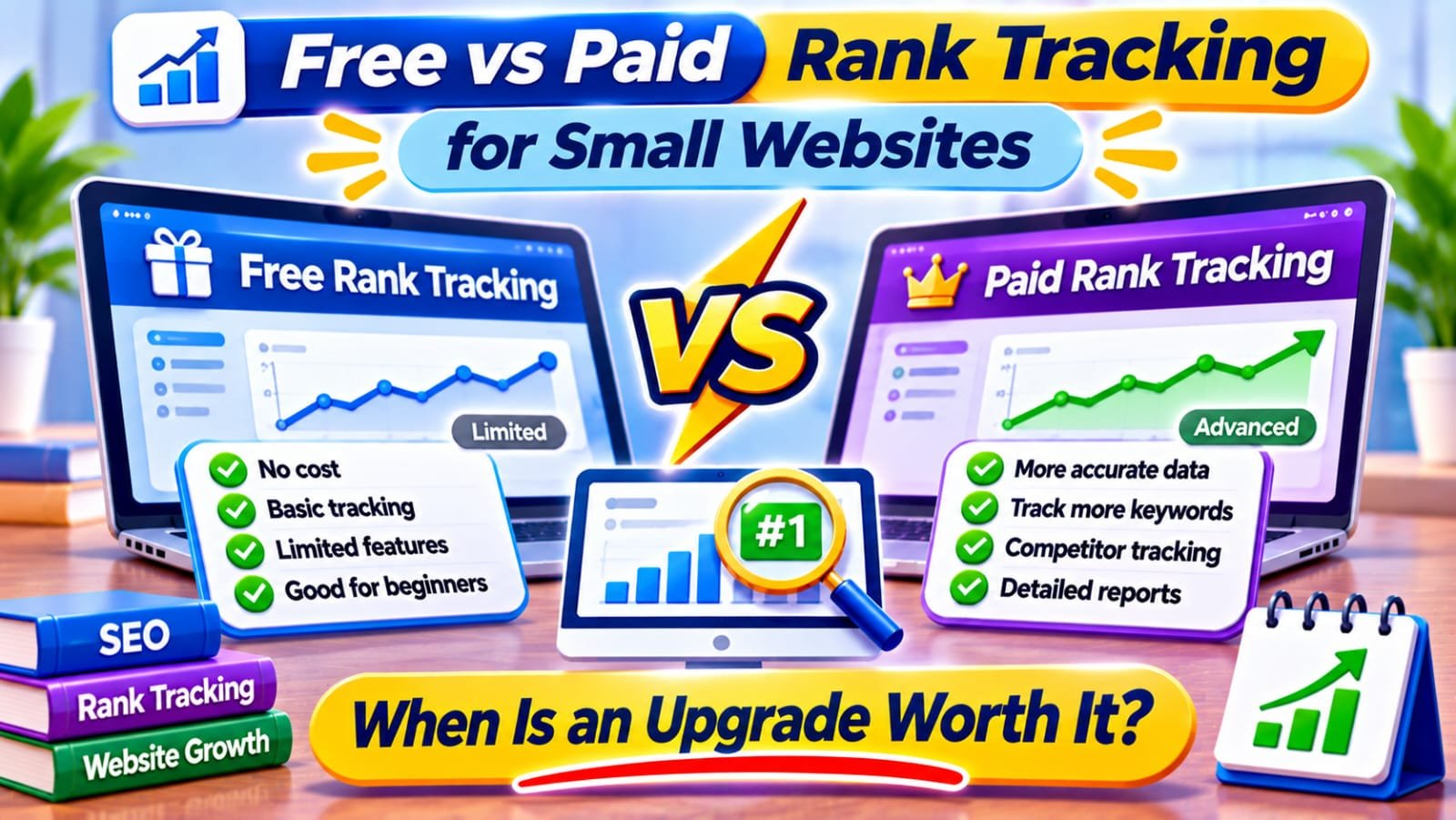
Free rank tracking with Google Search Console is enough for most small websites, because it shows real queries, clicks and average positions. A paid rank tracker is worth it only when you need regular checks by city or device, competitor comparisons or scheduled reports that change a business decision.
In This Guide
- Quick Verdict
- What Free Rank Tracking Actually Measures
- What Paid Trackers Add
- Current Prices and Real Limits
- Five Signs an Upgrade Is Worth It
- When to Stay Free
- A Practical Tracking Setup
- Real Case Study
- A 30-Day Upgrade Test
- Common Mistakes
- Frequently Asked Questions
- Final Verdict
- Recommended Next Reads
Quick Verdict
| Situation | Better starting choice | Reason |
|---|---|---|
| New blog with fewer than 30 posts | Search Console, free | Identify actual queries and clicks first |
| Twenty important queries, one country | Free initially | Monthly comparisons may answer the question |
| Local service pages in several towns | Paid tracker may help | Search positions differ by location |
| Regular competitor reporting | Paid tracker may help | Consistent competitive snapshots save time |
| No conversions or actionable SEO plan | Stay free | More ranking data will not fix the bottleneck |
I would buy: a small paid plan only when I can list the exact keywords, markets, reporting cadence, and decisions it supports.
I would skip: enterprise subscriptions, daily alerts for every variation, and any claim that a ranking tool directly improves rankings.
What Free Rank Tracking Actually Measures
Google Search Console is a first-party source for your site’s performance in Google Search. Open Performance > Search results, select Web, and enable clicks, impressions, CTR, and average position. Choose a meaningful date range; then select a query and inspect the Pages tab to see associated URLs.
Its position metric is an impression-weighted average, not a promise that your page appeared at that position for every search. Results vary by location, device, and time; property-level and page-level aggregation can also differ.
Filter by country or device, compare complete periods, and remember that some anonymized queries are omitted.
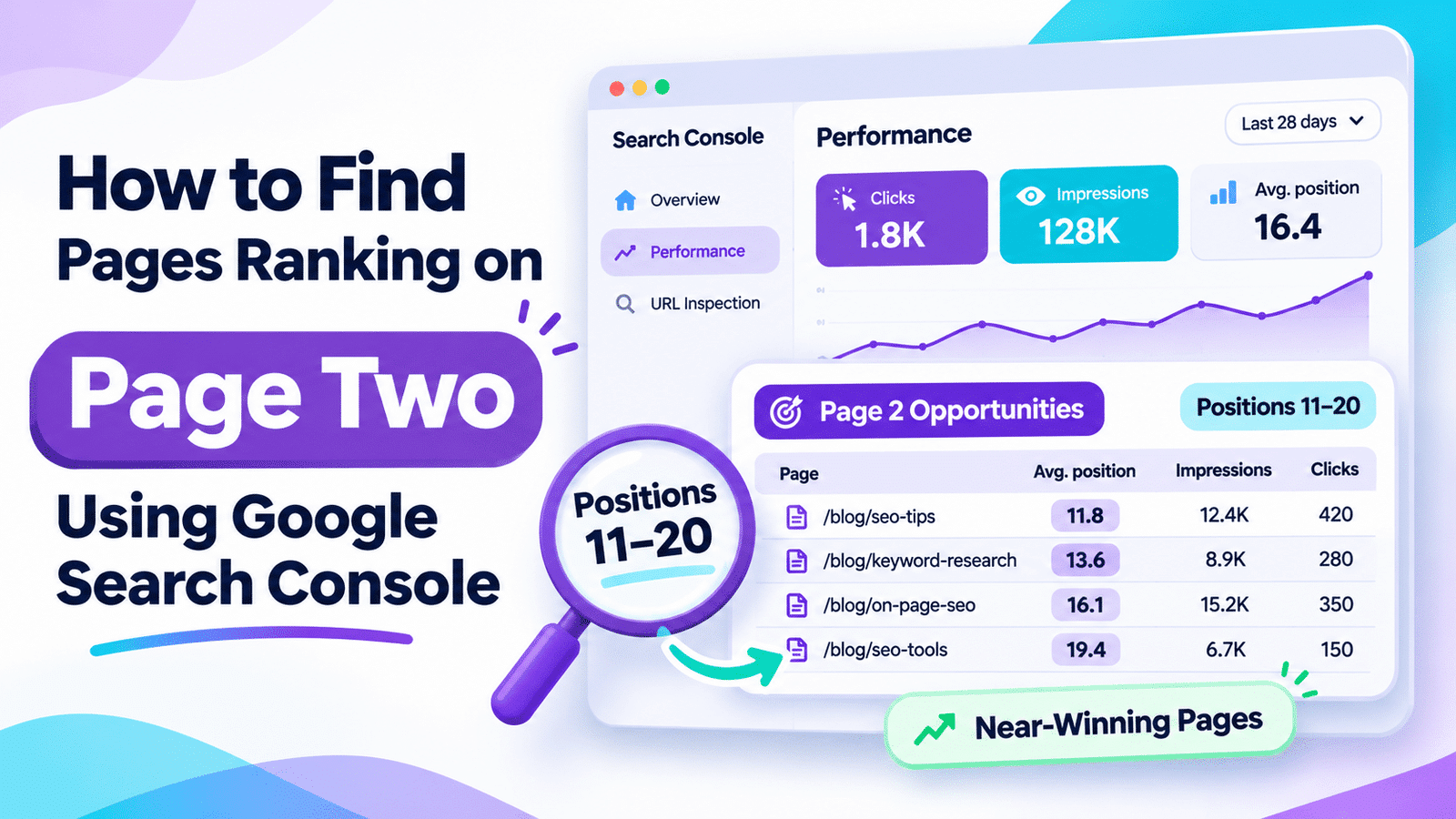
A query with average position 12 might be worth examining, but a ranking average alone cannot show whether the page satisfies search intent. Our guide to finding page-two rankings with Search Console explains how to investigate these opportunities before paying for another dashboard.
What Paid Trackers Add
A paid rank tracker typically checks a defined keyword list against specified search-engine settings and stores repeated snapshots. Depending on the provider and plan, it may offer:
- Scheduled daily or weekly checks rather than impression-dependent averages.
- Location and device targeting for the same query.
- Historical trends for selected phrases, including terms with little traffic.
- Competitor visibility and search-result feature monitoring.
- Alerts, shared dashboards, and scheduled client reports.
No tracker observes every personalized result. Keep location, device, language, and update frequency consistent.
Rank tracking also does not replace Search Console. A keyword can improve in a tracker without earning more clicks if search demand falls or the results page changes. Search clicks can also rise for queries outside your tracked list.
Current Prices and Real Limits
Advertised starting prices checked in November 2026 illustrate how different paid models can be. The examples are not a hands-on ranking accuracy test.
| Service | Advertised starting price | Important qualification |
|---|---|---|
| Google Search Console | Free | Reports only your verified property’s Google search performance |
| Keyword.com Search Visibility | $4/month, or $3/month equivalent billed annually | Entry tier tracks 50 keywords; device variations can consume additional keyword credits |
| SERP Robot | $4.99/month per bot | Each bot supports 75 keyword updates in 24 hours; frequency affects capacity |
| Mangools Basic, including SERPWatcher | $61/month, or $37.70/month equivalent billed annually | Up to 200 tracked keywords; rankings update weekly on Basic |
Keyword.com settings and update frequency depend on the package. SERP Robot offers a 14-day trial, not a permanent free tier. Mangools bundles other SEO tools.
Prices exclude taxes and may change. Annual equivalents require upfront payment; verify plan limits at checkout.
Cost matters, but the relevant cost is what you pay for the checks you actually need. A cheap service can become less attractive if every device-and-location combination consumes separate capacity.
Five Signs an Upgrade Is Worth It
1. Location-Specific Rankings Drive Leads
A local business may need city-level checks. Search Console filters by country, not a precise daily city grid. Confirm whether device variations use separate credits.
2. You Must Report the Same Keywords Repeatedly
Scheduled snapshots of agreed terms can save reporting time, but rankings alone do not establish revenue.
3. Competitor Changes Affect Your Publishing Decisions
Track relevant competitors when their movement affects an editorial decision.
4. Important Queries Rarely Generate Impressions
Search Console reports searches where your site appeared and records impression-dependent positions. A rank tracker can actively check selected phrases even if your site has little or no measured visibility. Check indexing and relevance first.
5. Monitoring Saves More Time Than It Costs
If monthly reporting takes two hours valued at $20 each, a $5 tool might pay for itself. This is illustrative; include setup and interpretation time.
When to Stay Free
Stay with Search Console when you publish infrequently, maintain a short article library, and mainly want to know which pages earn impressions, clicks, and conversions. An integrated paid tracker cannot solve poor indexing, weak answers, or a lack of original experience.
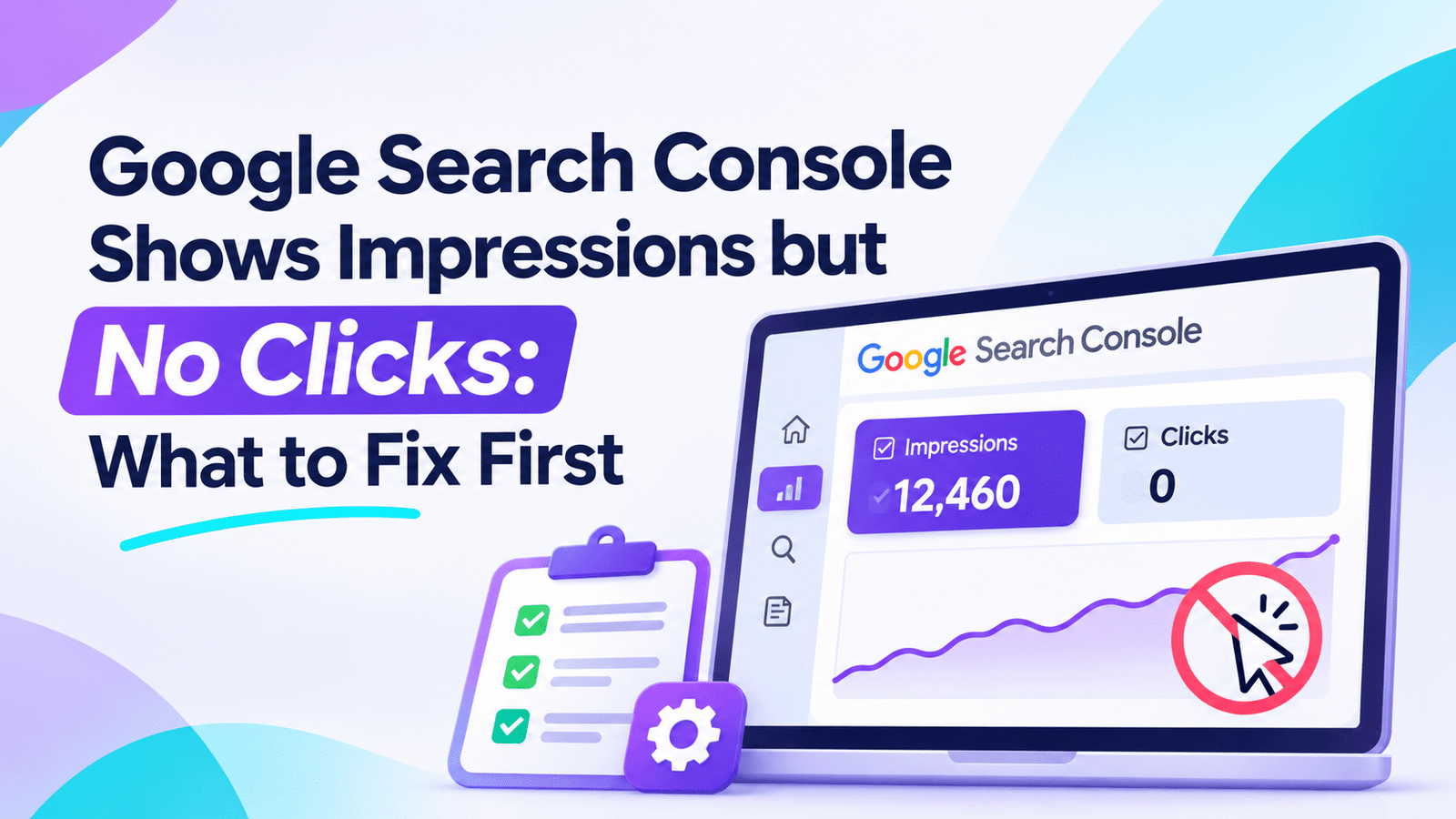
If the immediate problem is high impressions but low clicks, inspect the query, intent, and title-link presentation first. Our impressions-but-no-clicks troubleshooting guide provides that workflow.
For a broader content decision, How to Audit SEO Content with AI explains why rankings must be considered alongside page quality and business purpose.
A Practical Tracking Setup
Start with ten to twenty priority queries, not hundreds. Choose queries that align with the site’s most useful pages, important products, or service locations. Record the destination URL, search intent, target country, and device.
In a spreadsheet, include:
| Column | Record |
|---|---|
| Query | Exact phrase being monitored |
| Target URL | Preferred landing page |
| Search intent | Tutorial, comparison, or purchase |
| Market and device | Country/city and mobile/desktop |
| Search Console baseline | Clicks, impressions, and average position |
| Tracker position, if subscribed | Date-stamped result under fixed settings |
| Business outcome | Signups, qualified leads, or verified sales |
| Action | Keep, improve, investigate, or stop tracking |
Verify indexing and intent, and keep branded and nonbranded queries separate.
Review the list monthly. For AI-generated answers, use a separate framework: How to Track AI Visibility explains why an AI citation is not equivalent to a conventional Google position.
Real Case Study: Tracking Rankings and Outcomes Together
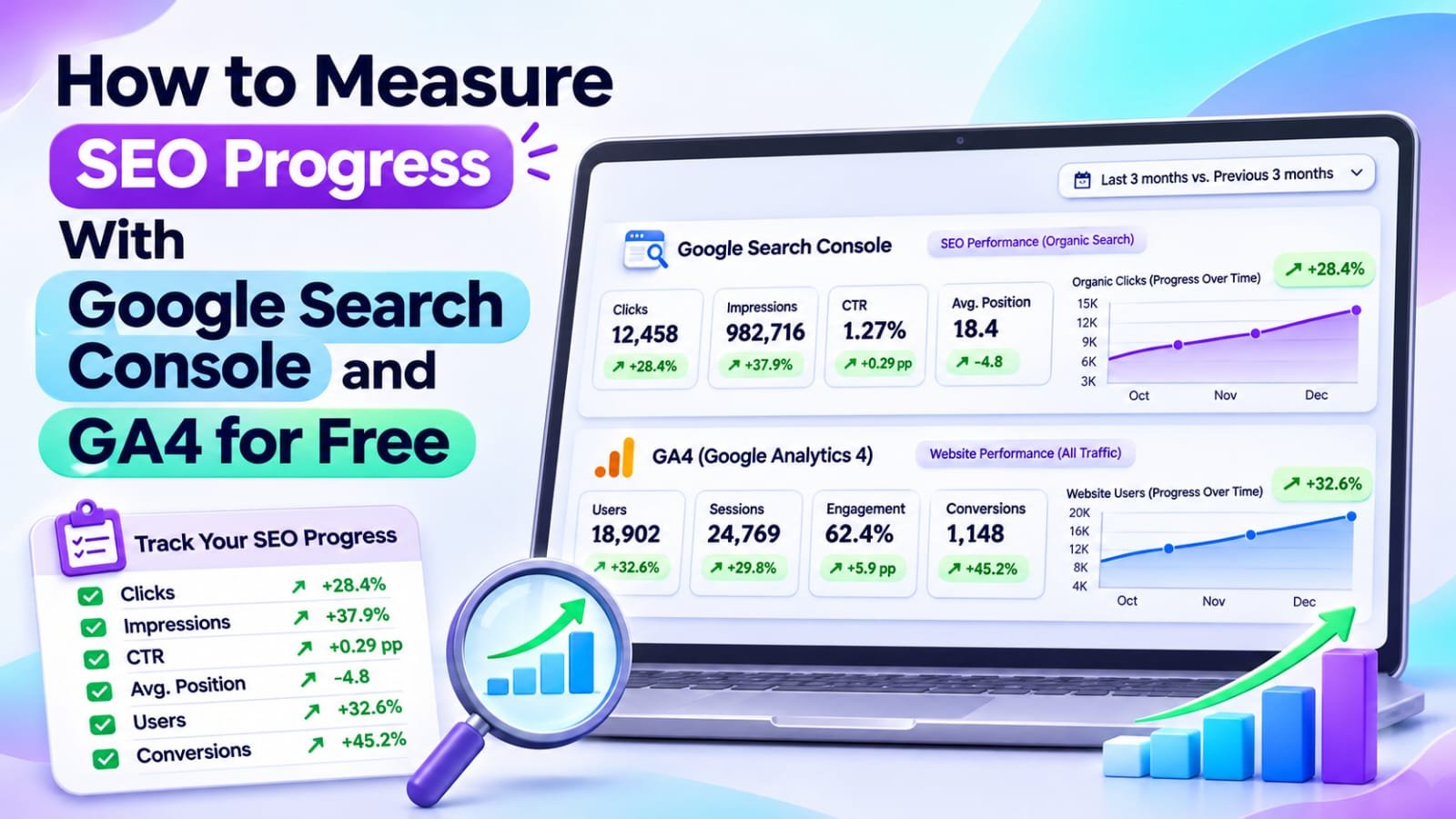
SEO Guru Atlanta published a case study of a landscape design and build company covering January 1 through August 31, 2026. Its campaign monitored 51 keywords alongside Google Search Console, GA4, and local-business metrics.
The agency reported that 30 tracked keywords ranked on Google’s first page, including 11 in the top three. It also reported 4,018 Search Console clicks, up 119% against the preceding eight-month period, and 6,021 organic sessions, up 75%.
Content, technical, local, and measurement changes happened together. This agency-published account cannot isolate the rank tracker’s effect.
The transferable lesson is methodological: use a limited, relevant keyword set to understand movement, then check whether clicks and meaningful outcomes also improved.
External source: SEO Guru Atlanta — Landscape Design & Build SEO Case Study
A 30-Day Upgrade Test
| Period | Task | Decision evidence |
|---|---|---|
| Days 1–7 | Establish Search Console baseline and select keywords | Clear business relevance |
| Days 8–14 | Trial one tracker with fixed market settings | Data quality and interface usefulness |
| Days 15–21 | Compare historical snapshots and review one actual issue | New insight beyond free reports |
| Days 22–30 | Calculate cost, time saved, and actions taken | Renew or cancel decision |
The test evaluates usefulness, not guaranteed ranking gains.
Common Mistakes to Avoid
- Confusing average position with a fixed daily ranking. The tools measure different things.
- Comparing locations or devices inconsistently. A mobile city result is not interchangeable with a national desktop result.
- Tracking phrases with no reader or business value. More keywords can produce more noise.
- Treating a ranking rise as revenue. Check Search Console clicks and verified outcomes.
- Ignoring plan limits. Update frequency and device combinations can change costs.
- Using daily volatility to justify daily rewrites. Look for sustained, meaningful changes.
- Buying multiple trackers without a clear evaluation question. Test one approach first.
Frequently Asked Questions
Is Google Search Console enough for rank tracking?
For many small websites, yes. It reports query and page visibility, clicks, impressions, and average positions. It is less suited to fixed daily checks for a specified city or tracking named competitors.
Why does a paid rank tracker disagree with Search Console?
Search Console averages positions across impressions, while trackers check defined settings at scheduled times. Location, device, time, result layout, and aggregation all influence differences.
What is the cheapest paid rank tracking option?
At the prices verified for November 2026, Keyword.com advertises an entry-level $4 monthly rank-tracking plan, while SERP Robot starts at $4.99 monthly per bot. Check coverage and limitations before selecting either.
How many keywords should a small blog monitor?
Begin with ten to twenty important queries linked to actual pages and decisions. There is no Google-required number; expand only when more monitoring improves your workflow.
Do I need daily ranking updates?
Usually not for a small evergreen blog. Weekly or monthly analysis is often more actionable. Daily checks make more sense for time-sensitive campaigns, local competition, or client reporting needs.
Does a higher ranking guarantee more traffic?
No. Search volume, result layout, intent, and click behavior all matter. Measure relevant clicks and meaningful conversions rather than assuming every position gain produces revenue.
Final Verdict
Stay free while Search Console gives you enough information to choose your next SEO improvement. Upgrade when precise local or device checks, competitor comparisons, or scheduled reports solve a documented recurring problem.
A paid tracker measures selected search results; it does not improve content or guarantee rankings. Start with a small keyword list, test one affordable plan, and evaluate whether its information changes decisions that matter.
Your next action: Choose fifteen commercially or editorially important queries and review their Search Console performance. Subscribe only if you can name the essential tracking detail that the free report cannot provide.
Comments