⚡ Quick Answer
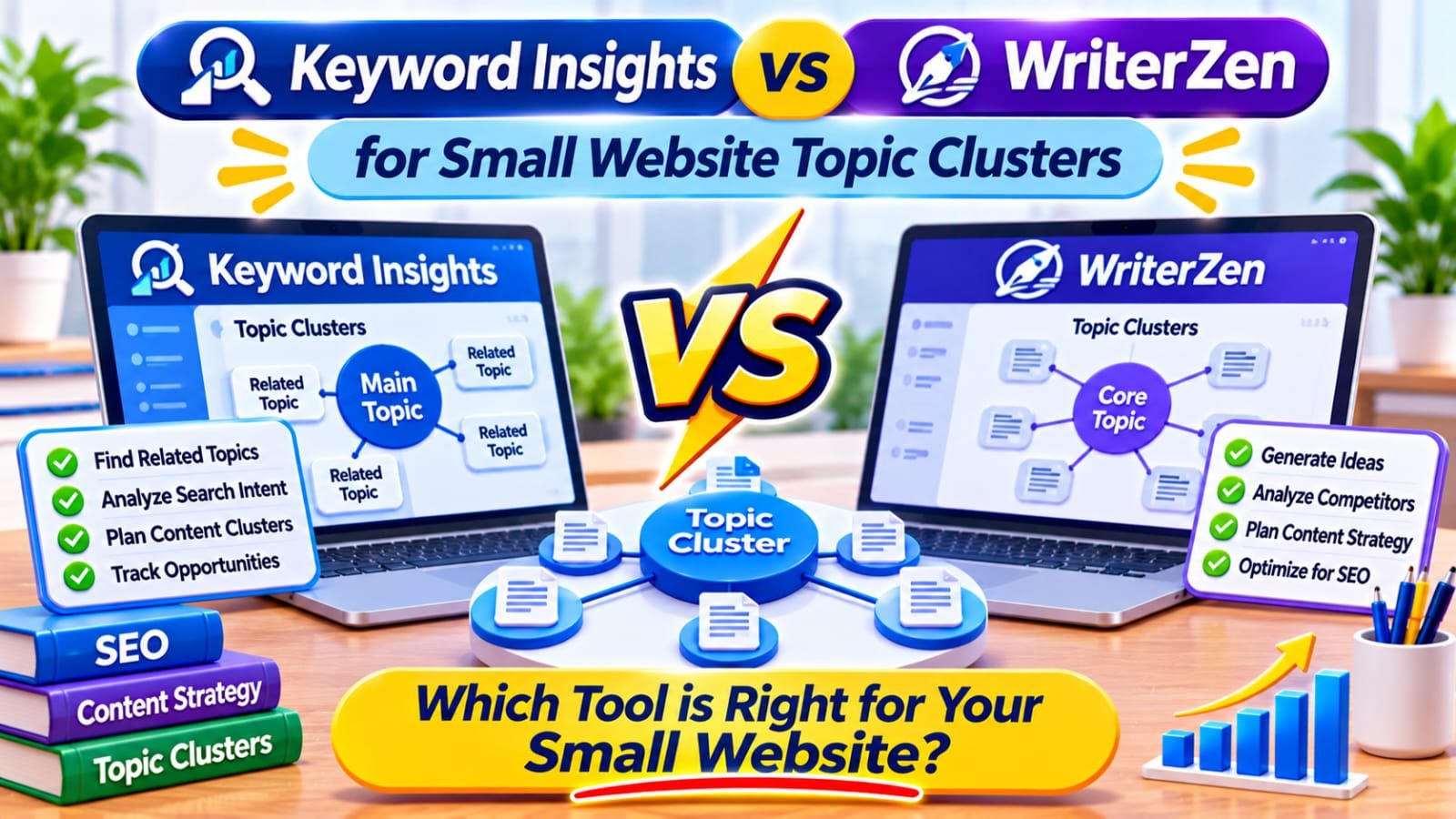
Keyword Insights is the better choice for small website topic clusters when you need to group keywords by shared Google results and map each group to one page. WriterZen suits regular topic research and content planning with a one-time licence. Keyword Insights Basic costs $58 a month (November 2026).
In This Guide
- Quick Verdict
- Keyword Clusters vs Topic Clusters
- What Each Platform Does
- Current Pricing and Usage Limits
- Which Clustering Workflow Is More Useful?
- Build a Six-Page Cluster for a Small Blog
- Evaluate Cost Before Buying
- Real-World Case Study
- Seven-Day Comparison Checklist
- Common Mistakes
- Frequently Asked Questions
- Final Verdict
- Recommended Next Reads
Quick Verdict
| Decision factor | Keyword Insights | WriterZen |
|---|---|---|
| Primary strength | Group keywords using shared search results | Research topics, organize clusters, and plan content |
| Best workflow | Mapping overlapping queries to intended URLs | Developing a broader topic-to-article plan |
| Advertised entry pricing | $1 seven-day trial; Basic $58/month | Keyword Research $135 one time |
| Important limits | Credit charges for clustering and optional analyses | Licence tier, keyword allowances, and optional credits |
| Best fit | Focused clustering projects and audits | Repeated planning when upfront cost makes sense |
I would choose Keyword Insights to investigate substantial query overlap before building a new content architecture. I would consider WriterZen when I expect to keep researching new topic groups over many months. For an unmapped 20-post site, buy neither yet.
Keyword Clusters vs Topic Clusters
These terms are related, but they are not interchangeable.
A keyword cluster groups search phrases that could reasonably be answered by one page. For example, “WordPress sitemap missing posts” and “why is my post not in the XML sitemap” usually suggest the same troubleshooting task.
A topic cluster connects several distinct pages around a broader subject. A WordPress SEO hub may link to separate guides on sitemaps, indexing, internal links, and technical audits.
One keyword cluster may need one article; a topic cluster connects multiple distinct articles. Confusing them produces near-identical posts.
Before investing in automation, inventory your pages and assess their purpose. Our SEO content audit guide explains why the right decision may be to update existing content rather than create another URL.
What Each Platform Does
Keyword Insights: SERP-Based Grouping
Keyword Insights analyzes overlapping URLs in search results to determine which queries can share a page. The company advertises country-specific SERP data, search-intent classification, clustering exports, ranking information, and content-brief features.
It helps decide whether similar phrases need one page or several, especially across large query lists.
Review its output: shared results do not always mean identical intent.
WriterZen: Research Through Content Planning
WriterZen combines Topic Discovery, Keyword Explorer, and Keyword Planner. Its planner supports importing keywords, organizing topics and clusters, filtering by search intent or buying journey, and adjusting groups manually.
The Keyword Research licence excludes Content Creator; All-In-One packages add it.
WriterZen may appeal when you need planning beyond clustering exports.
Current Pricing and Usage Limits
The following figures come from official pricing pages checked in November 2026. Prices exclude taxes and may change.
| Option | Advertised price | Main consideration |
|---|---|---|
| Keyword Insights trial | $1 for seven days | Includes 5,000 trial credits; clustering limited to 500 keywords |
| Keyword Insights Basic | $58/month | 10,000 credits; clustering consumes one credit per keyword before optional extras |
| Keyword Insights Professional | $99/month | 20,000 credits; additional team capacity |
| WriterZen Keyword Research | $135 one time | Advertises 10,000 keywords for clustering; no Content Creator |
| WriterZen All-In-One Basic | $270 one time | Adds content creation and other workflow features |
| WriterZen All-In-One Advanced | $405 one time | Higher advertised allowances and team features |
Keyword Insights charges extra credits for optional intent and rank analysis, so clustering 500 keywords may cost more than 500 credits.
Its 2025 product changelog also says pay-as-you-go credits have a 30-day validity period and are restricted to clustering. Confirm these conditions in the current checkout before relying on an occasional-use purchase.
WriterZen has quotas and optional credit purchases. Its page displays inconsistent allowances for some tiers; verify checkout limits. One-time access is not unlimited analysis.
Which Clustering Workflow Is More Useful?
Start With the Same Input
Use the same 80–150 relevant queries from Search Console and manual research. Remove obvious duplicates.
Then compare outputs against four practical tests:
- Intent accuracy: Did the tool group questions that one page can genuinely answer?
- Separation: Did it keep tutorials, comparisons, and purchase-intent queries apart when necessary?
- Page mapping: Can you associate clusters with URLs that already exist?
- Editorial usability: Can you export, adjust, and explain the results without extra software?
For examples of classifying informational, commercial, and answer-focused queries, read Best AI Search Intent Tools Tested This Year.
Choose by Output, Not Keyword Count
A tool returning 200 clusters is not automatically better than one returning 40. Prefer clear page decisions and less duplication.
Manually inspect the search results for five ambiguous groups. If a query returns mostly product comparison pages while another returns troubleshooting tutorials, separating them may help users even if their wording overlaps.
Neither tool defines Google ranking rules.
Build a Six-Page Cluster for a Small Blog
Imagine a 24-post WordPress site whose readers want affordable ways to improve search visibility. This example is hypothetical, not a completed Searchmora audit.
| Page role | Proposed page | Primary reader need |
|---|---|---|
| Pillar | Free WordPress SEO Audit | Complete an overall review |
| Supporting guide | Check WordPress Indexing | Diagnose missing indexed pages |
| Supporting guide | Find Missing Sitemap Posts | Investigate sitemap exclusions |
| Supporting guide | Improve Internal Links | Connect useful content |
| Supporting guide | Fix Duplicate SEO Titles | Clarify page titles |
| Commercial comparison | Free vs Paid SEO Audit Tools | Decide whether software is justified |
A clustering tool should group close variations within each row, not automatically turn every query into another article.
Link from the pillar to relevant tutorials, and back when useful.
For the linking stage, our internal-linking tools comparison explains why automated recommendations still need editorial approval.
Evaluate Cost Before Buying
Suppose you intend to map 120 keywords once, then publish four articles over the next two months. A $58 recurring subscription may be excessive unless you also use the brief and writing features regularly.
Keyword Insights’ $1 trial is a lower-commitment way to inspect a sample of your list, subject to its seven-day window and limits. WriterZen’s $135 research licence may offer long-run value, but the upfront purchase is difficult to justify for a single small cluster.
Record total time spent preparing, correcting, mapping, and linking; speed alone is not value.
A separate tool such as LowFruits primarily helps inspect potential competition, a different task from mapping page intent. Our LowFruits review explains that distinction.
Real-World Case Study: Land of Rugs
Keyword Insights published a customer case study about Land of Rugs, a family-run UK retailer that wanted to expand educational blog content around its products. The company used clustering and content briefs to plan useful articles and connect them with shopping journeys.
The case study reports 7,293 blog page views in the first half of 2021 and 15,984 in the first half of 2022, an increase of approximately 119%. Land of Rugs also estimated that content developed with help from Keyword Insights had contributed more than £100,000 in revenue since January 2021.
This is vendor-published, not controlled. More content and other work contributed, so it cannot prove superiority over WriterZen or predict small-blog results.
External source: Keyword Insights — How Land of Rugs Generated Over £100,000 in Revenue Through Blog Content
The useful lesson is that the map must lead to relevant articles and measurable reader outcomes, not simply a larger spreadsheet.
A Seven-Day Comparison Checklist
| Day | Action | Evidence |
|---|---|---|
| 1 | Inventory existing URLs and queries | Current content map |
| 2 | Select one audience topic and prepare 100 queries | Clean test list |
| 3 | Test available Keyword Insights access | Grouping quality and credits used |
| 4 | Review WriterZen’s accessible demo or trial workflow | Planning controls and applicable tier |
| 5 | Manually inspect five uncertain clusters | Editorial corrections |
| 6 | Assign groups to existing or planned pages | Six-page cluster plan |
| 7 | Compare cost, time, and usable decisions | Buy, postpone, or skip |
Seven days measures usability, not rankings.
Common Mistakes
- Buying software before checking whether your existing posts already answer the target queries.
- Confusing a keyword group with a separate topic-cluster article.
- Publishing a new page for every slight wording variation.
- Assuming a vendor’s grouping score is a Google ranking factor.
- Comparing one-time licences with monthly subscriptions without considering upfront spending and quotas.
- Treating vendor case studies as independent proof of better rankings.
- Adding commercial pages to every cluster even when readers do not need a product.
Frequently Asked Questions
Is Keyword Insights better than WriterZen for keyword clustering?
Keyword Insights specializes in SERP-overlap grouping and intent-led page mapping. WriterZen combines clustering with broader topic research and planning. The better option depends on the quality of their output for your actual keyword list.
Which is cheaper for a small blog?
Keyword Insights advertises a $1 seven-day trial and a $58 monthly Basic plan. WriterZen advertises a $135 one-time Keyword Research licence. A one-off trial is cheapest initially; longer-term value depends on expected use, credit limits, and upfront budget.
Can WriterZen create topic clusters?
Yes. Its Topic Discovery and Keyword Planner workflows help organize research into topics and clusters. Its cheapest research licence does not include the full content-writing suite.
Do keyword clusters prevent cannibalization automatically?
No. They can reveal overlapping intent, but you must examine existing URLs, user needs, and performance before deciding to keep, revise, or consolidate content.
Do I need either tool for fewer than 30 posts?
Not necessarily. Search Console, a URL inventory, manual SERP checks, and a spreadsheet can produce a useful first map. Buy automation when repeated clustering becomes a measurable bottleneck.
Can topic clusters improve Google and AI search visibility?
Clear organization, relevant links, and reliable answers can help content be discovered and understood. Neither platform guarantees rankings, AI citations, traffic, or affiliate earnings.
Final Verdict
Choose Keyword Insights when your immediate job is validating how many distinct pages a large list of similar queries actually needs. Choose WriterZen if recurring topic discovery and editorial planning justify its higher upfront commitment. For a small blog with a modest budget, the smartest first step is often a free manual map.
Your next action: List your existing URLs, collect 100 relevant queries, and identify five truly distinct reader questions. Only pay for clustering if it changes what you would publish, update, or link.

Comments